Kdenlive 25.12: Elevating Vertical Video to New Heights
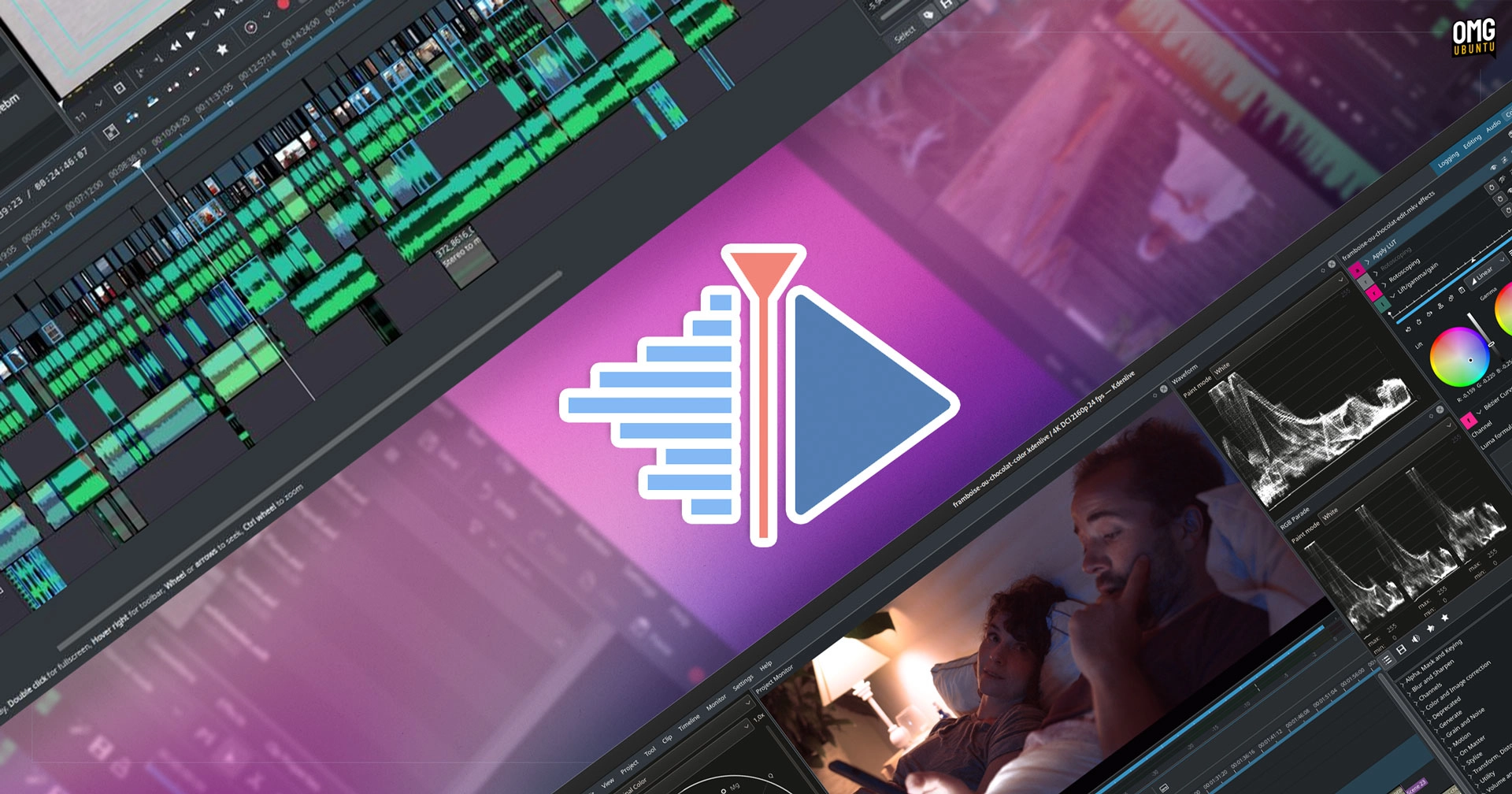
Kdenlive has recently launched its updated version, 25.12, introducing enhancements aimed at improving the user experience, particularly for vertical video projects. Unlike the trend of integrating flashy AI features, this update focuses instead on refining the editing environment itself.
A key highlight of this release is the introduction of a new docking system that enhances flexibility. Users can now group and manage widget layouts more efficiently, allowing them to save configurations as files that can be reloaded in future projects. This feature will be especially useful for those who work with varied project types, although it’s worth noting that existing custom layouts are not compatible with the new system, necessitating a rebuild for those who upgrade.
The welcome screen has also been revamped, simplifying the process for new users and streamlining access to essential shortcuts. A particularly useful feature is the one-click option to create vertical video projects, making it easier to produce videos optimized for platforms like TikTok and Instagram. Additionally, the update includes optional safe areas for 9:16 videos to ensure critical content is framed correctly.
On the audio front, users will notice a refined design for audio waveform viewing that incorporates an interactive ‘minimap’ for easier navigation. The terminology has also been standardized across the platform, changing ‘guides’ to ‘markers’ to align with common professional editing vocabulary.
The update reorganizes menus to make them more intuitive, grouping actions logically under familiar headings. While this may initially disorient existing users, the changes are designed to ease transitions for those familiar with other editing software.
Alongside these enhancements, Kdenlive 25.12 includes typical bug fixes and stability improvements, particularly addressing VAAPI support in its AppImage, which should enhance rendering and decoding speeds for compatible hardware.
For those interested in trying out Kdenlive, it is available for free across multiple platforms. Users can download it from the official website or get it via platforms like Snapcraft and Flathub. Older versions are also accessible through Ubuntu’s repositories for those who prefer stability over the latest features.