A Step-by-Step Guide to Installing Linux Kernel 6.18 LTS on Ubuntu 25.10 and 25.04
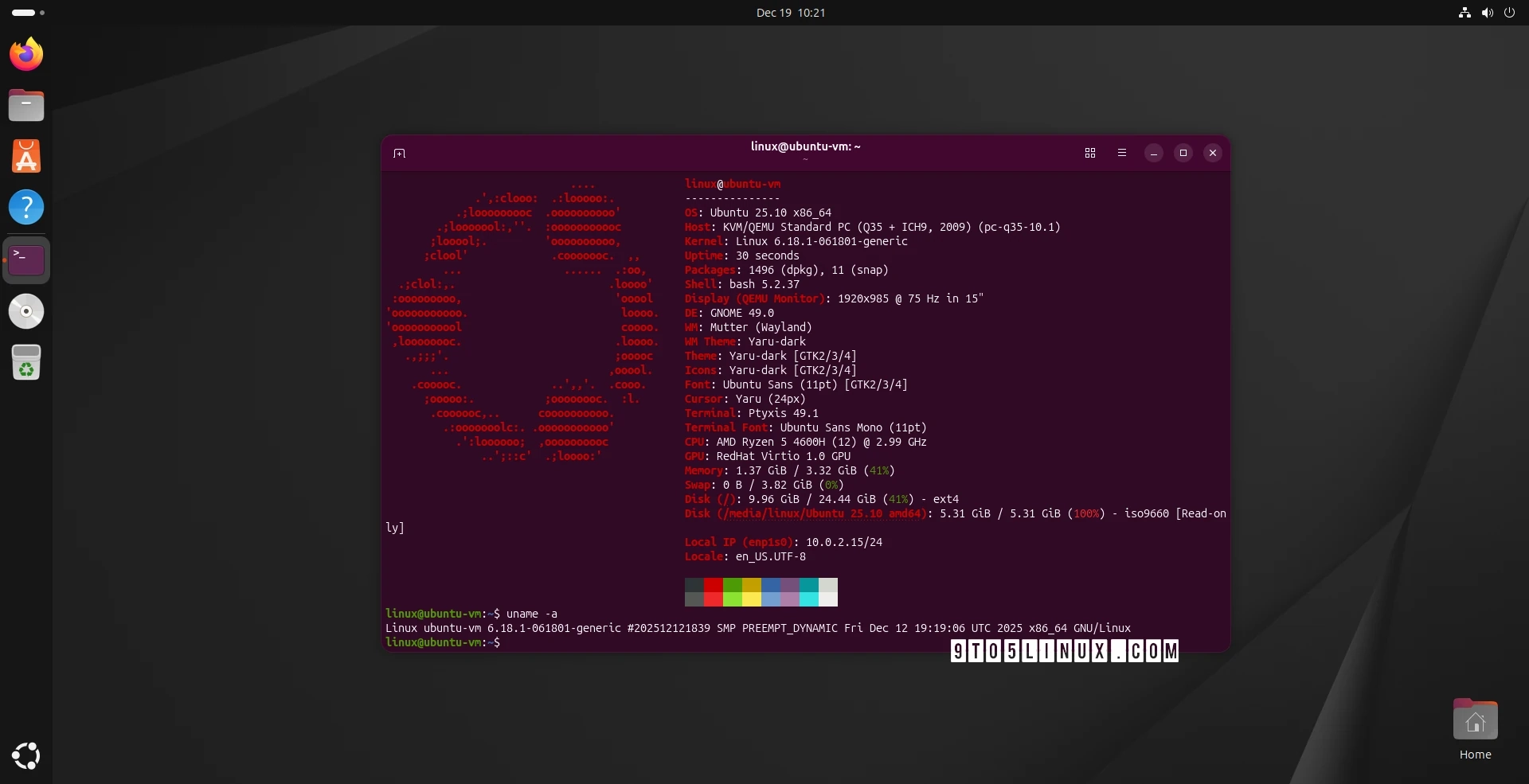
Linux Kernel 6.18 LTS Installation on Ubuntu 25.10 and 25.04
Linux kernel 6.18 LTS has been officially released on November 30th, 2025, and is now the latest stable long-term supported version. It comes with various features, including support for the Rust Binder driver and enhancements for persistent memory caching.
Ubuntu users running 25.10 (Questing Quokka) and 25.04 (Plucky Puffin) can install this kernel easily through the Ubuntu Mainline Kernel PPA archive. However, it’s important to note that these kernels are provided without warranty and the Ubuntu Kernel Team will not offer support for issues that might arise from their installation.
Installation Methods
Method 1: Using the Mainline Kernels Tool
For a user-friendly approach, utilize the Mainline Kernels graphical tool. To install this tool, run the following commands in the Terminal:
sudo add-apt-repository ppa:cappelikan/ppasudo apt update && sudo apt full-upgradesudo apt install -y mainlineOnce installed, launch the tool from your applications menu. The tool will automatically check for available kernel versions and list Linux kernel 6.18 at the top. Select it and click the “Install” button to proceed. After installation, reboot your system.
The Mainline Kernels tool also notifies you of updates to newer kernel versions if you enable notifications in its settings.
Method 2: Command Line Installation
For experienced users who prefer manual installation, you can download necessary kernel packages directly from the Ubuntu mainline kernel archive. This is also helpful if the Mainline Kernels tool does not display the latest kernels.
For a 64-bit (amd64) installation, you need to download the following packages:
- linux-image-unsigned-6.18.0-061800-generic
- linux-modules-6.18.0-061800-generic
- linux-headers-6.18.0-061800-generic
- linux-headers-6.18.0-061800
After downloading, navigate to the folder where the packages are stored, and run:
sudo dpkg -i *.debReverting to Previous Kernels
If you encounter any issues with kernel 6.18, you can revert back to the default or an alternative installed kernel. During the boot process, press the Esc key, select “Advanced options” from the boot menu, and choose the desired kernel from the list.
For further details on the latest kernel release, check out the official announcement.