OpenShot 3.5: The Fastest and Most Feature-Packed Release Yet!
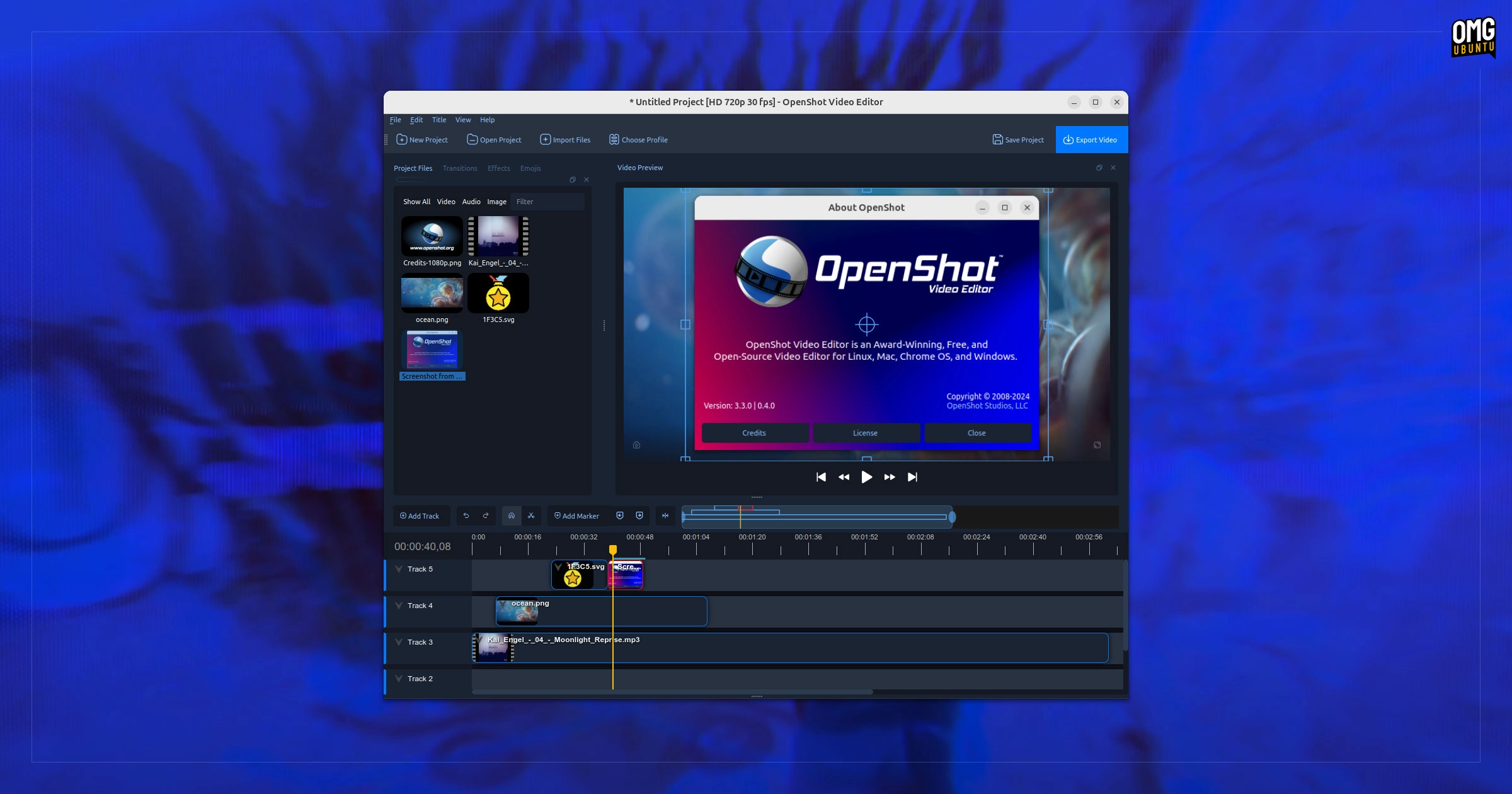
A new version of the free video editor OpenShot, labeled OpenShot 3.5, has been launched, which the developers claim is one of the largest updates in the application’s 18-year history. This release features a revamped default timeline that enhances usability with improved zooming, scrolling, and editing capabilities, alongside a new keyframe panel that is enabled by default.
The developers assert that OpenShot 3.5 is up to 35% faster, particularly in processing effects and frames. However, speed improvements should be viewed with caution, as OpenShot has historically struggled with performance issues. Previous releases claimed similar enhancements, leading to skepticism about their efficacy.
Among the new features is enhanced support for video effects, including masking capabilities and a new Chroma key effect that offers better quality and performance. The audio processing experience has been improved too, introducing new transitions for smoother crossfades between audio tracks and more efficient file handling.
An interesting addition to OpenShot 3.5 is the integration with ComfyUI, an experimental feature that taps into AI technologies for tasks like subject separation and object tracking.
OpenShot remains free and open-source software available for Windows, macOS, and Linux, with installation options available through the official OpenShot website or via an official PPA for Ubuntu users.
To install OpenShot on Ubuntu, users can follow these terminal commands:
sudo add-apt-repository ppa:openshot.developers/ppasudo apt update && sudo apt install openshot-qt python3-openshotOnce installed, users can launch OpenShot from their application menu to explore the new features. While OpenShot 3.5 promises a range of improvements, long-time users may still find better reliability and performance in other editors like Kdenlive and Shotcut, with professional users potentially opting for BlackMagic’s DaVinci Resolve.