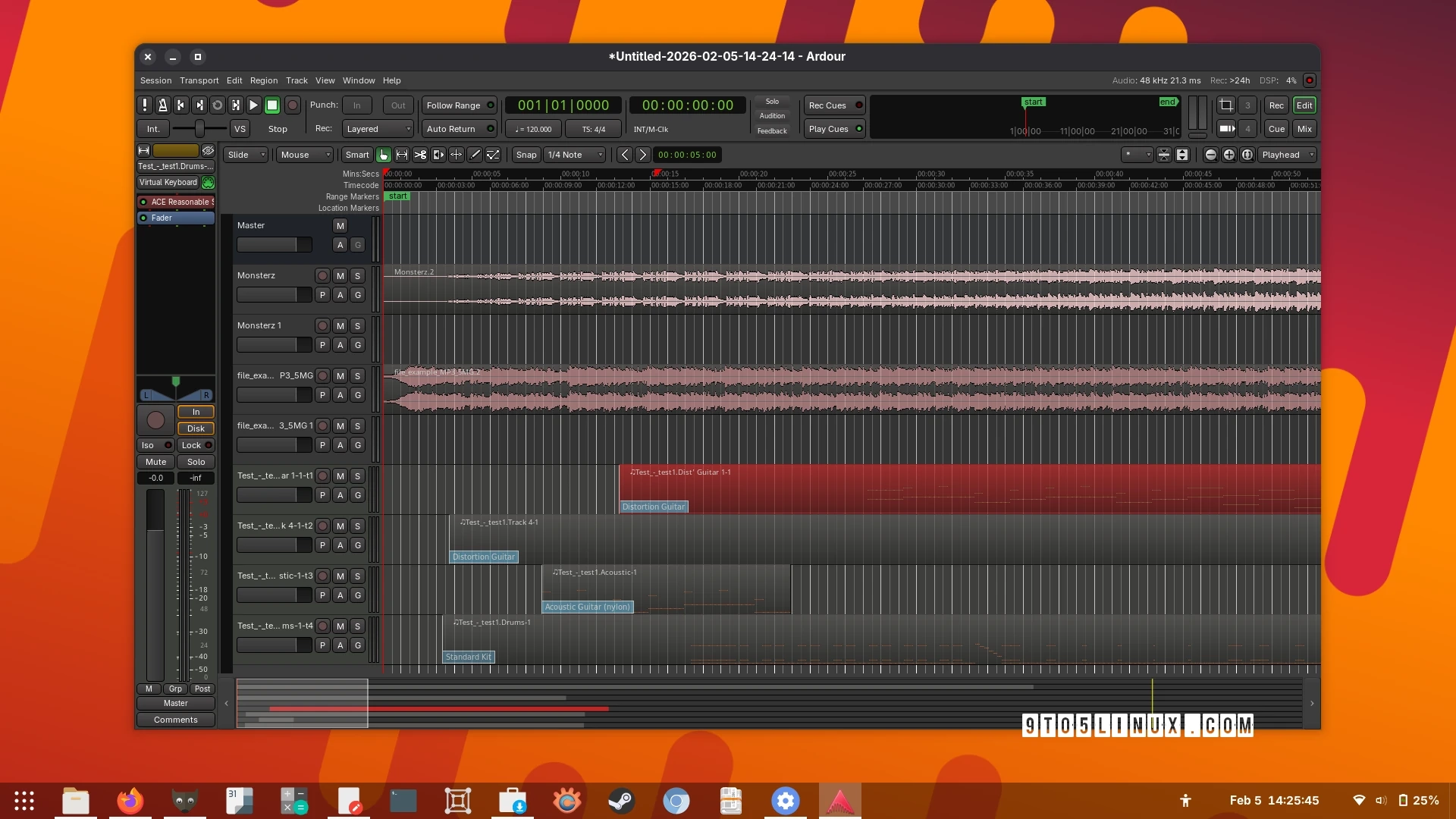
Ardour 9.0 has been released as a significant update to the open-source digital audio workstation. This version introduces a variety of new features and improvements, making it a versatile tool for musicians and audio professionals.
One of the key highlights of Ardour 9.0 is the inclusion of dedicated pianoroll windows, allowing users to double-click on MIDI regions for editing. The update also enhances MIDI cue editing directly within the interface, supports region FX for applying plugins only to specific audio regions, and adds the ability to record directly into cue slots, effectively transforming Ardour into a “looper.”
Additionally, a new perceptual analyzer window has been introduced. This feature enables users to visualize the live spectrum of multiple signals and overlay individual sources such as tracks and busses for comprehensive analysis. Improved keyboard functionality allows the use of modifiers, arrow keys, and the Enter key to efficiently add new automation control points.
Other noteworthy features include:
- Support for note brushing.
- Importing mixer strips from previous Ardour sessions as new tracks or mapping existing tracks to external mixers.
- Multi-touch interaction support for both Linux and Windows.
The update also includes various user interface enhancements, including a streamlined application bar, a redesigned editor List panel, and a tabbed interface for session management. Moreover, the handling of MIDI files and regions has been refined, with better management of visible note ranges and drag operations.
The default file format has shifted to WAV-compatible RF64, and color schemes are now available for inactive selected tracks. Several plugins, including the ACE Amp, have received updates, and users can restore hardware connections for internal backends.
Ardour 9.0 rolls out new MIDI binding maps for several controllers and introduces MIDNAM files for various audio devices. For more detailed improvements and bug fixes, users are encouraged to check the release notes.
Ardour can be installed via your distribution’s repositories or as a Flatpak app from Flathub. However, the latest version is available for download as a source tarball from the official website.