Category: Ubuntu 26.04 Lts
-
Ghostty Terminal Now Available in Ubuntu Repositories: What You Need to Know
The Ghostty terminal has now made its debut in the Ubuntu 26.04 LTS repositories, simplifying the installation process for users of the latest long-term support release. Previously, Ghostty was available through community-supported PPAs, DEBs, and Snap packages, but this marks its first official inclusion in Ubuntu’s repositories. Ghostty, created by Mitchell Hashimoto, is a fast…
-

Easily Enable Ubuntu Pro During Initial Setup with New Welcome Wizard Feature
Ubuntu 26.04 LTS has introduced a new feature that simplifies the process of enabling Ubuntu Pro, Canonical’s subscription service that provides extended security updates for additional packages. This new step is integrated into the OS’s Welcome tool, which appears for users the first time they log in after installation. The Welcome tool, known for guiding…
-
Ubuntu 26.04 Introduces Password Feedback Hide Toggle for Sudo
Ubuntu 26.04 introduces a significant update to its sudo command by incorporating password feedback that displays asterisks by default. This shift from nearly 40 years of tradition has been generally welcomed, but not everyone prefers it. In response, a new keyboard shortcut has been added to sudo-rs that allows users to hide this feedback temporarily…
-
Ubuntu Ups the Ante: New Minimum System Requirements Announced
Ubuntu’s upcoming version, 26.04 LTS, will introduce higher minimum system requirements for the first time since 2019. Users will need at least 6GB of RAM to run the operating system smoothly. The specifications state that Ubuntu Desktop 26.04 requires a 2 GHz dual-core processor or better, a minimum of 6GB RAM, and 25 GB of…
-
GNOME 50 Removes Google Drive Support: What You Need to Know
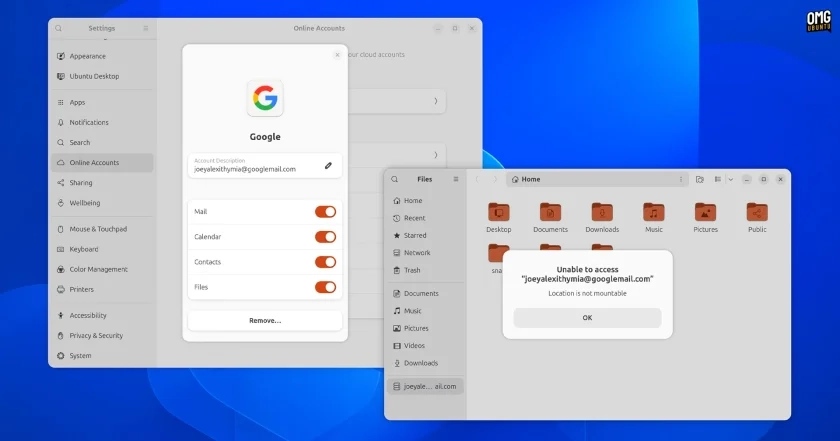
If you’re accustomed to accessing Google Drive through the Nautilus file manager, a recent update in GNOME 50 may come as a surprise. This version, which is integrated into the upcoming Ubuntu 26.04 LTS, has officially removed support for accessing Google Drive files. Previously, GNOME Online Accounts (GOA) allowed users to log in to their…
-
Ubuntu MATE Founder Steps Back After 12 Years: A Reflection on Impact and Future Directions
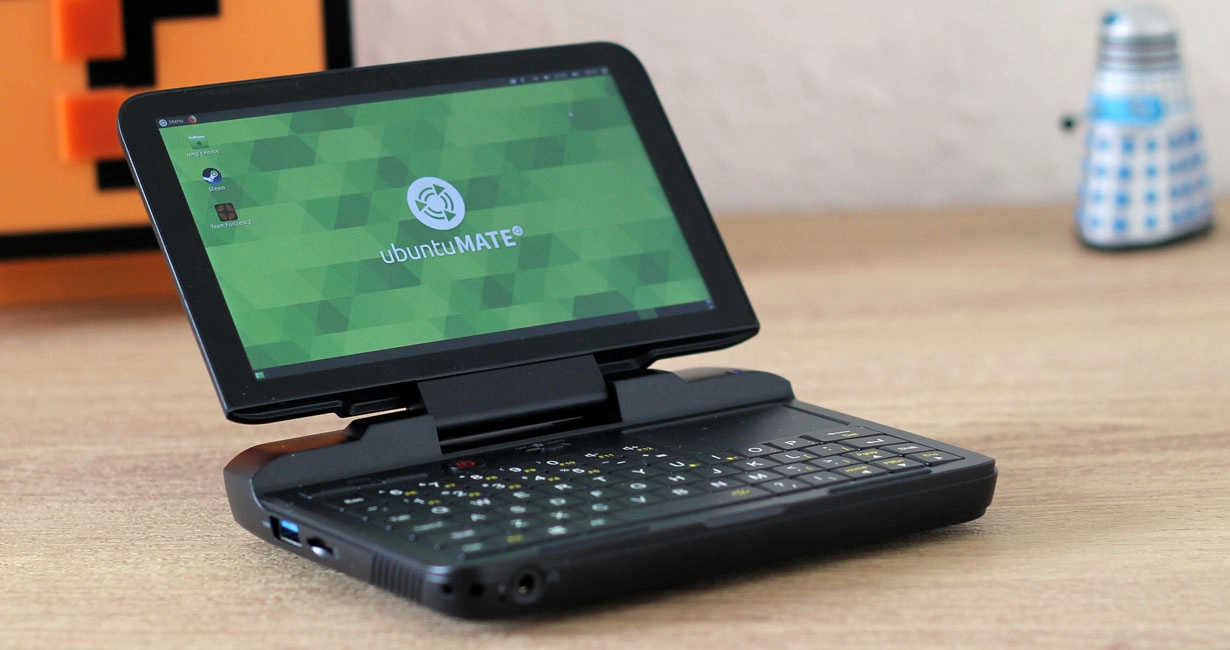
Ubuntu MATE is in search of a new maintainer as its founder, Martin Wimpress, has announced that he no longer possesses the passion or time to continue leading the project. Taking root in 2014, Ubuntu MATE combines Ubuntu with the classic MATE desktop, which originated as a fork of GNOME 2 but has since developed…
-
Ubuntu 26.04 Beta Now Available: Get a Sneak Peek of the Latest Features!
The beta version of Ubuntu 26.04 LTS is now available for download, ahead of its official stable release scheduled for April 23, 2026. This beta incorporates the release candidate of Linux kernel 7.0 and introduces the new GNOME 50 desktop environment. It also features new default applications, including a system monitoring utility called Resources. Among…
-
Ubuntu Security Center App Enhances Protection with Ubuntu Pro Settings
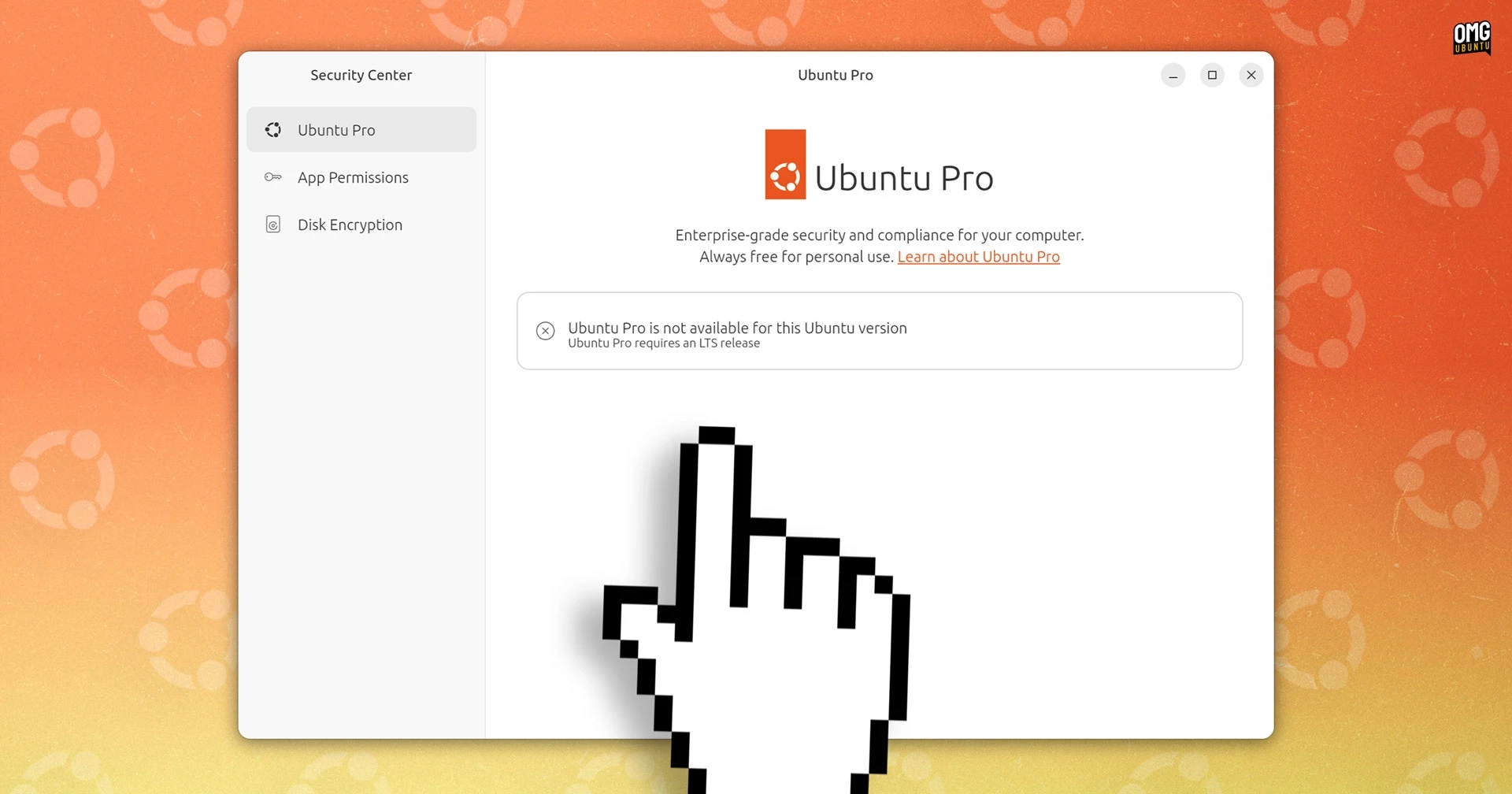
Enabling Ubuntu Pro has become more accessible with the newest edition of Ubuntu’s desktop Security Center app, which now features a specific panel for this purpose. Previously, users had to manage and enroll for Ubuntu Pro using the Software & Updates tool or via the command line. Since Ubuntu 26.04 LTS will not include the…
-
Ubuntu 26.04 Unveils Sleek Revamp of Folder Icons
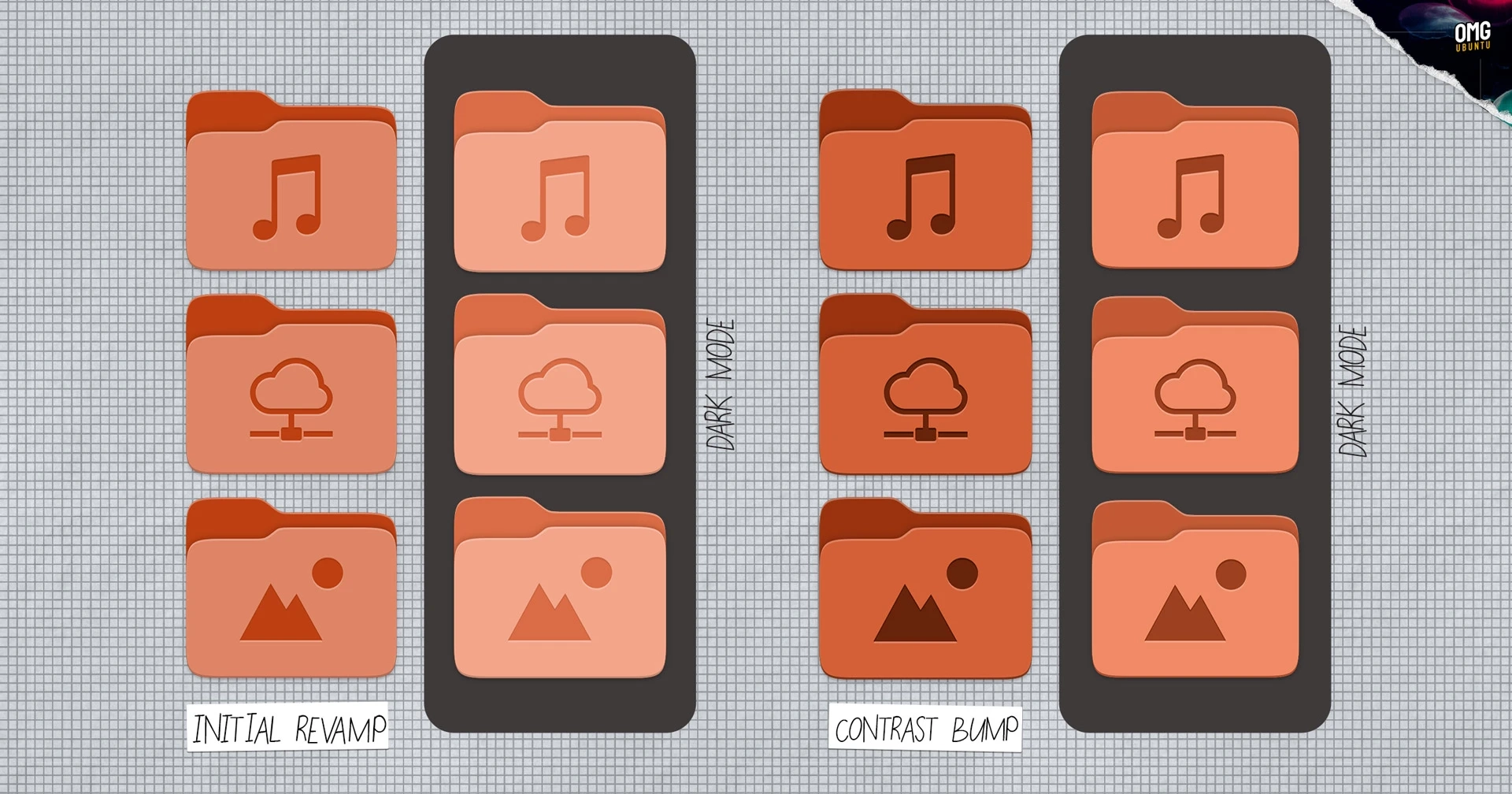
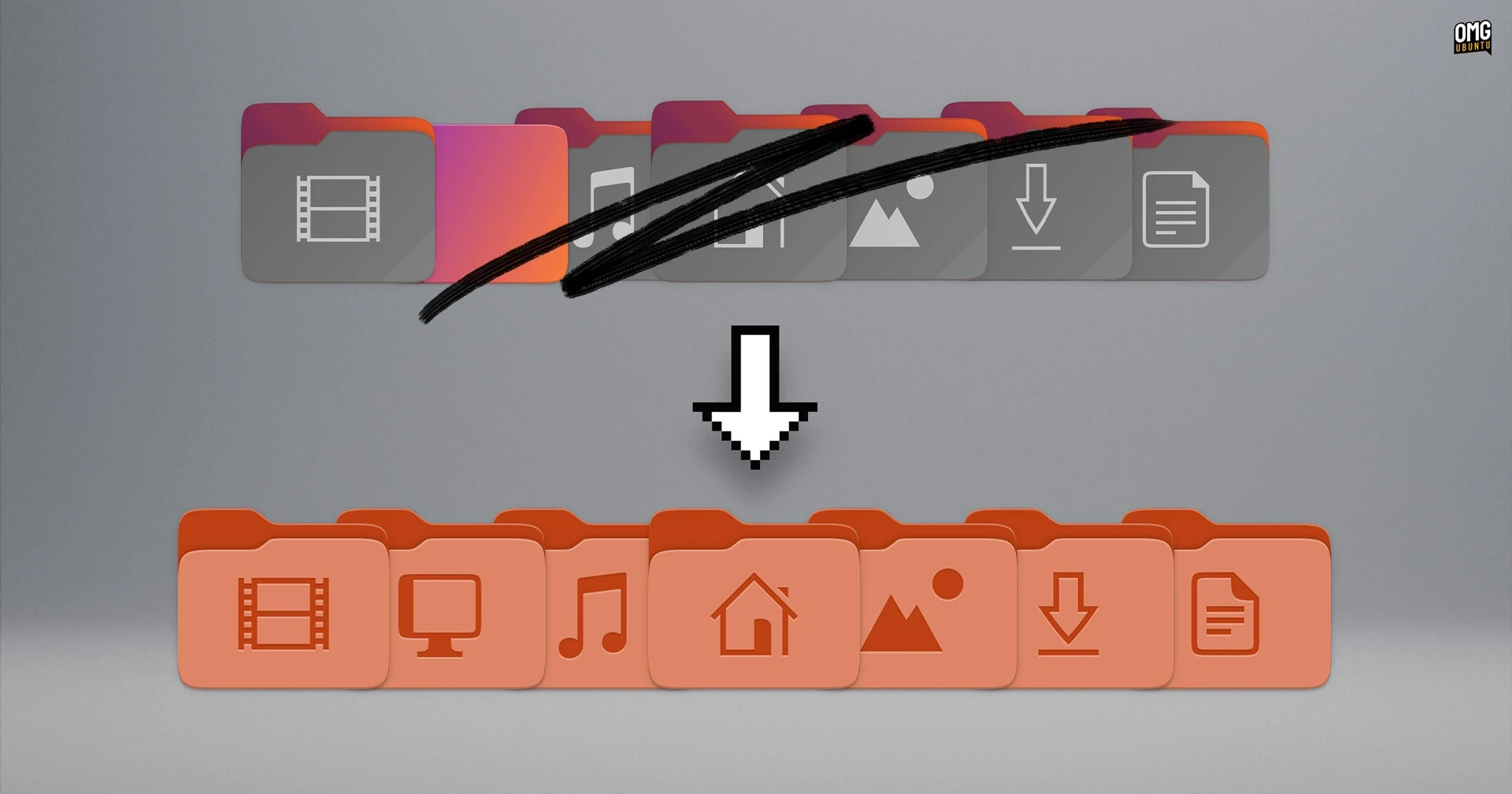
The latest revision of the folder icons for Ubuntu 26.04 LTS has brought noticeable enhancements. Following a significant update to the Yaru theme, users were introduced to vibrant new directory icons along with other UI tweaks like consistent element shapes and the elimination of dock transparency by default. Originally, the Yaru theme transitioned from slate-colored…
-
Ubuntu’s New Folder Icons: A Design Update That Will Spark Debate
Ubuntu 26.04 LTS is undergoing a major visual update with the introduction of new folder icons that feature a squatter shape and a vibrant design. These redesigned icons are part of a series of changes in the daily builds of Ubuntu 26.04 ‘Resolute Raccoon.’ Alongside the folder icons, other changes include the restyled icons for…