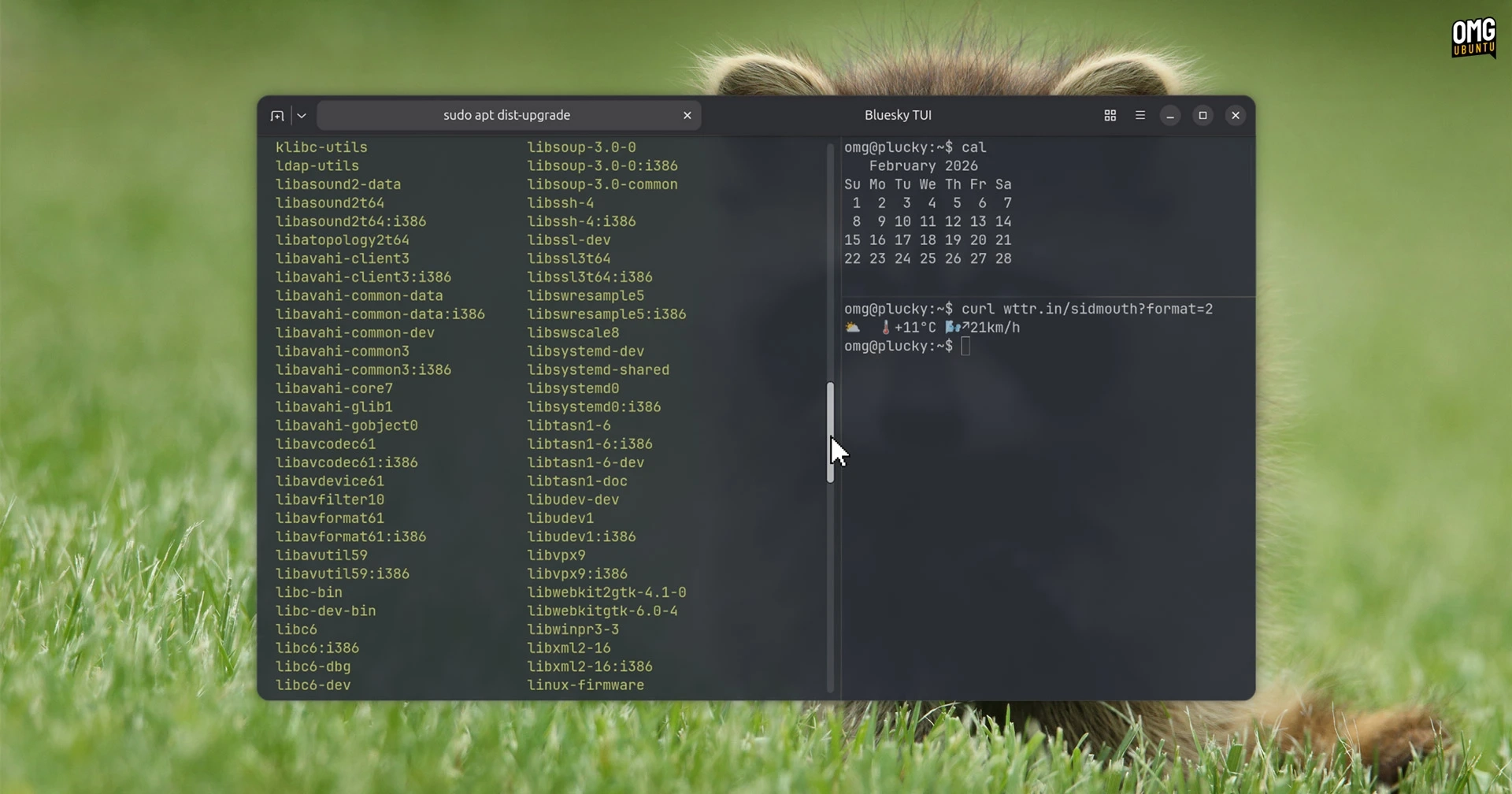
The Ghostty terminal has now made its debut in the Ubuntu 26.04 LTS repositories, simplifying the installation process for users of the latest long-term support release. Previously, Ghostty was available through community-supported PPAs, DEBs, and Snap packages, but this marks its first official inclusion in Ubuntu’s repositories.
Ghostty, created by Mitchell Hashimoto, is a fast and open-source terminal emulator that operates on both macOS and Linux, although Windows support is still in development. Since its launch in December 2024, the terminal has attracted millions of users.
Unique Features of Ghostty
Ghostty is characterized by its fast performance and a suite of features that are particularly appealing to users transitioning between macOS and Linux environments. It utilizes platform-native UIs and GPU acceleration. On macOS, it employs Swift and integrates with system-level APIs, ensuring compatibility with default keyboard shortcuts. For Linux users, it leverages GTK4/libadwaita and is Wayland-compatible, maintaining the integrity of existing desktop environments and keybindings.
Notably, Ghostty avoids the use of bulky cross-platform toolkits, allowing it to blend seamlessly with native applications. It supports essential terminal features such as windows, tabs, splits, customizable profiles, and various color themes. Additionally, it includes ligature support, grapheme clustering for emojis, and the Kitty graphics protocol, enabling image rendering directly within the terminal.
Configuration for Ghostty can be managed via a text file, though comprehensive online documentation is available for those who prefer a graphical interface.
Installation Instructions
While Ubuntu 26.04 LTS defaults to the Ptyxis terminal, which is also hardware-accelerated, Ghostty serves as a viable alternative for users who frequently shift between macOS and Linux. Currently, Ghostty version 1.3.0 is accessible from the universe repository, which is not officially supported by Canonical but does receive security updates through Ubuntu Pro.
Installing Ghostty is straightforward. Users can either search for it in the App Center or execute the following command in the terminal:
sudo apt install ghosttyGhostty proves to be a robust terminal application on its own merit, catering especially well to users with high specifications. For those interested in learning more or keeping up with updates on Ghostty, further information can be found here.