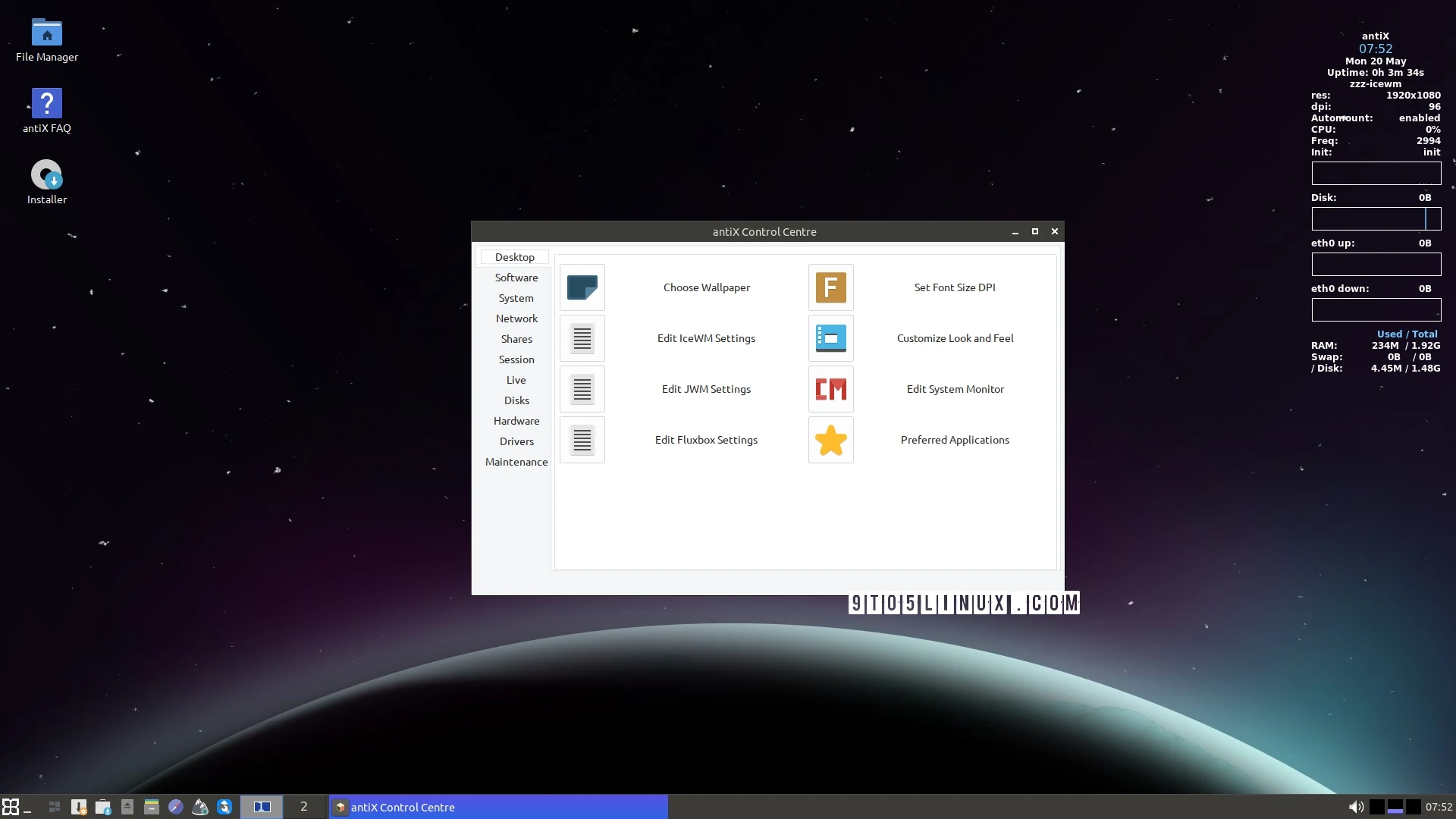
IceWM 4.0, the latest version of the lightweight window manager, has been released, showcasing significant upgrades, particularly to the Alt+Tab switching functionality. The new version allows users to swiftly navigate between multiple application windows in both horizontal and vertical formats.
Key enhancements in IceWM 4.0 include:
- An improved Alt+Tab switch that supports a larger number of application windows, allowing users to switch using navigation keys.
- The introduction of a preview mode for applications during switching, along with the ability to select an instance window by typing the initial letter of an application’s class name.
- Users can now choose applications using numeric keys or a mouse within horizontal mode.
The update also brings support for high-resolution icons, enabling a better experience on HiDPI monitors. Icon handling has been upgraded to support standard sizes and improved rendering, leveraging server-side caching for faster icon drawing.
Additional changes in IceWM 4.0 comprise:
- The removal of certain old preferences and the addition of new ones to enhance workspace management and interactivity.
- The software will now utilize the clock font if a clock LED pixmap is not available, imposing limits on window titles, and only reporting I/O failures on networking metrics once.
- The release also addresses several bug fixes, particularly enhancing the stability of keyboard layout switching on OpenBSD and improving multi-monitor support.
In terms of localization, IceWM 4.0 has expanded its language support to include translations for several languages, ensuring a broader accessibility for users worldwide.
For a complete overview of all changes, check out the release notes. IceWM remains committed to providing a stable graphical environment while prioritizing user experience with a minimalist approach.