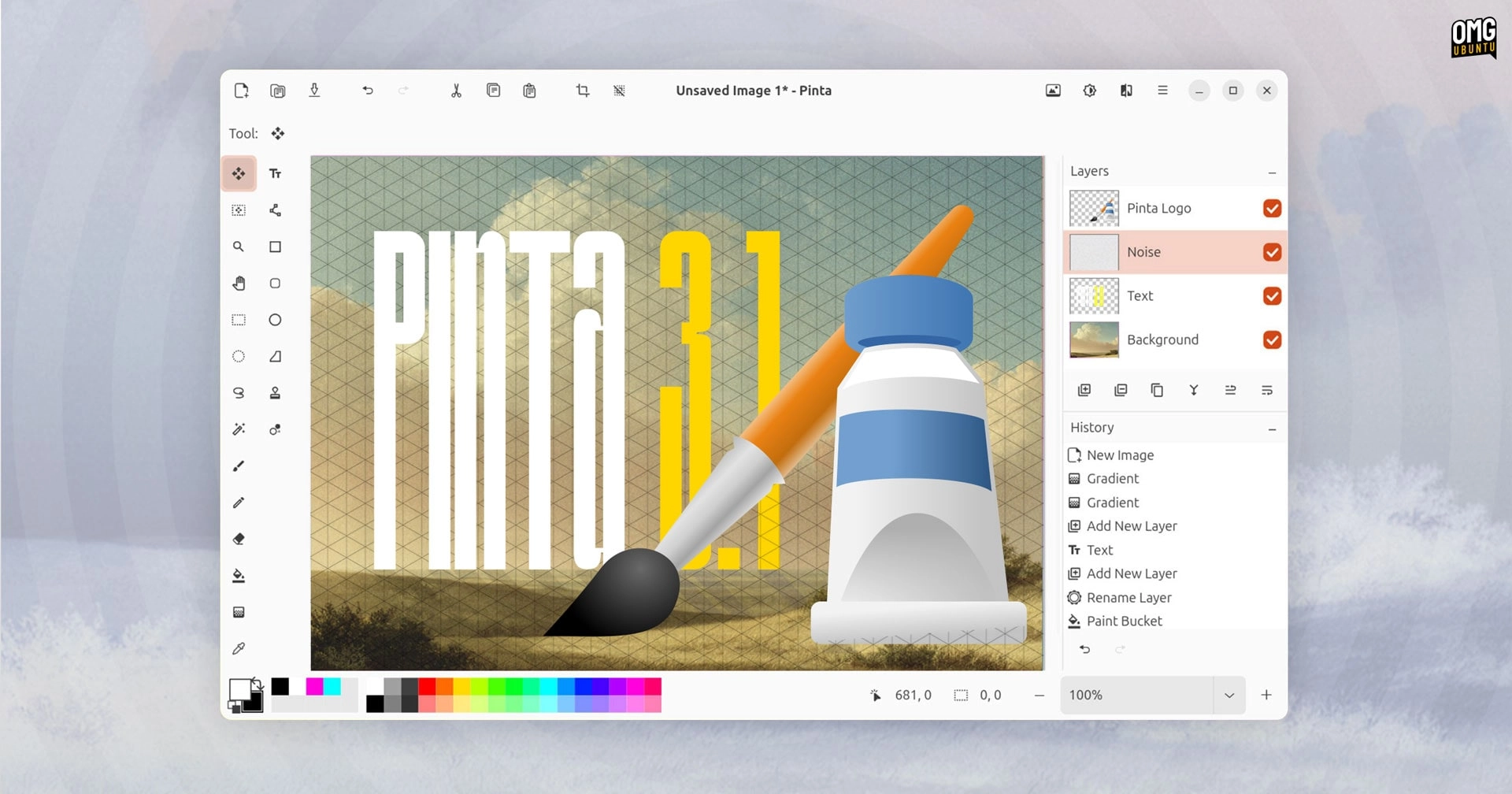
Following its beta release in September, Pinta 3.1 is now officially available for download, introducing new features and various improvements. Pinta, an open-source cross-platform image editor, is known for being a more streamlined alternative to more complex tools like GIMP and simpler applications like Tux Paint.
New Features in Pinta 3.1
-
Axonometric Grids: Users can now utilize an axonometric grid option via the View > Canvas Grid dialog. This grid is particularly helpful for creating isometric art due to its angled lines that assist in maintaining correct perspective.
-
Enhanced Selection Tool: The Lasso Select tool has been upgraded to include a Polygon Selection mode, allowing users to click to add points to their selection area. Users can return to the old selection method, now labeled as Freeform.
-
Animations for Selection Outlines: Selection outlines now feature animated marching ants to improve visibility on the canvas, and the bounds of the selection area are highlighted on visible rulers.
-
Gradient Tool Improvements: Users can now adjust gradient length and direction on-canvas through newly added handles.
-
Layer Context Menu Enhancements: Right-clicking layers will now only display applicable actions based on layer types.
Additional changes include:
- A new Cells effect.
- The ability to delete entire words in the text tool using Ctrl + Backspace.
- Tooltips showing keyboard shortcuts where available.
- Improved memory usage with the zoom tool.
- A new icon for macOS users.
For a complete list of changes, see the changelog on GitHub.
How to Install Pinta 3.1
Users on Windows and macOS can download Pinta 3.1 from the project’s GitHub releases page, which now includes an installer for Windows on ARM.
For Linux users, source code is available for compilation, and Ubuntu users can opt for the official Pinta Snap package via the Snapcraft store or on the command line:
sudo snap install pintaOnce installed, Pinta can be launched from the Applications Grid. Additionally, users can find Pinta on Flathub.