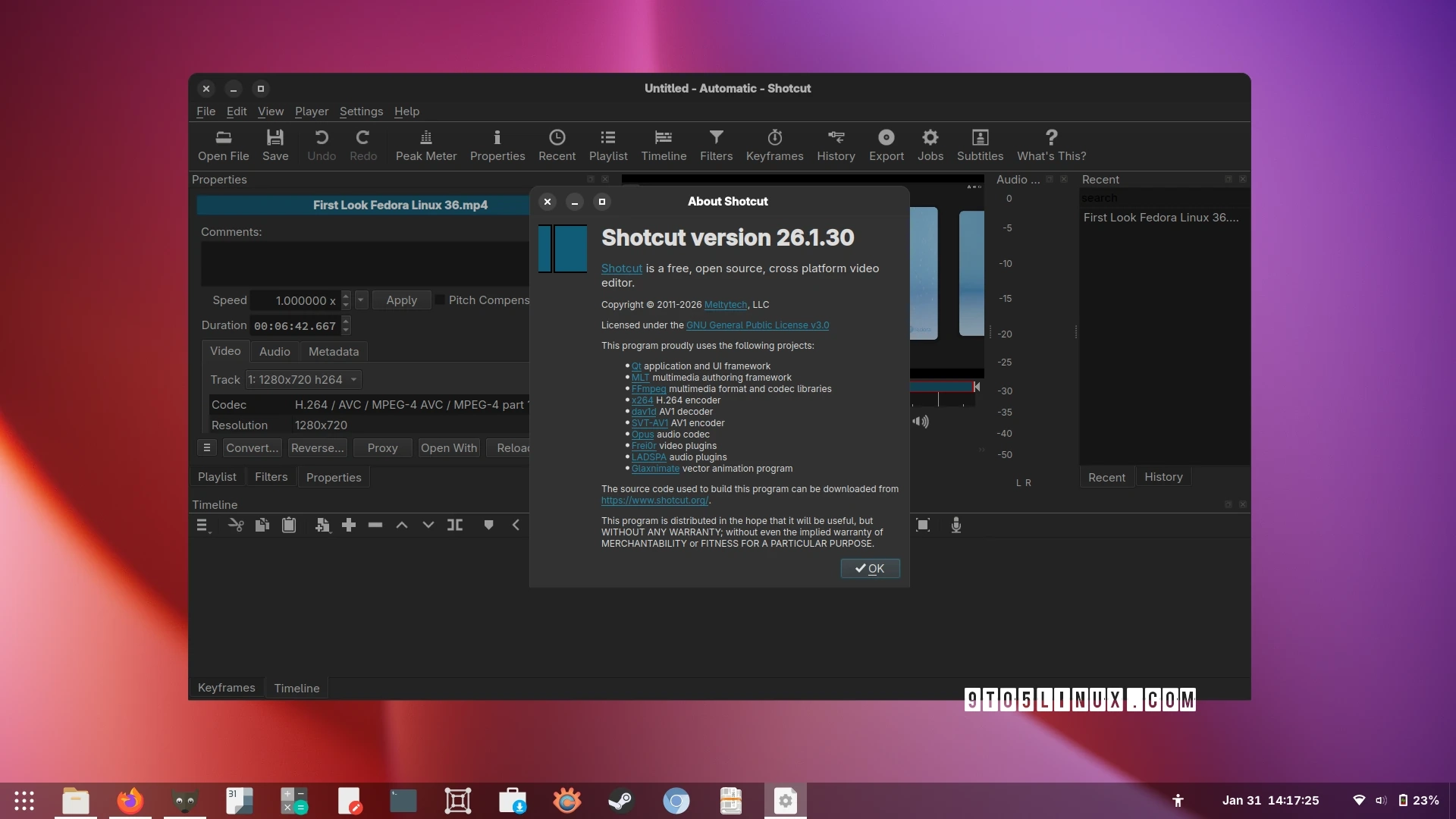
Shotcut 26.1 has been released, marking a significant update to the popular open-source video editing software. This release introduces hardware video decoding, which allows for improved performance in video editing by utilizing the Video Acceleration API (VA-API) on Linux systems. However, it’s important to note that support for NVIDIA GPUs is currently absent in this release.
The hardware video decoding feature is activated by default across all supported platforms, except for those running Linux with NVIDIA GPUs. Users can enable or disable this feature from the application’s settings under “Preview Scaling” and then “Use Hardware Decoder.” In terms of platform specifics, hardware decoding utilizes different frameworks—Media Foundation on Windows, Video Toolbox on macOS, and VA-API on Linux. It automatically falls back to software decoding if the hardware cannot handle specific codecs.
While this new feature decreases CPU usage, it is most beneficial when utilized with a low-powered CPU or during the Linear 10-bit CPU processing mode, rather than providing a substantial speed increase in general. The developers acknowledged the challenges in implementing this feature across different operating systems and GPU APIs, emphasizing the ongoing management efforts required.
In addition to hardware decoding, Shotcut 26.1 offers an option under “Export” for utilizing the hardware decoder, potentially reducing CPU load during the export process. However, note that this setting can occasionally lead to longer export times and is persistent across sessions, meaning it will remember your preference.
The update also introduces a blend mode filter, improvements in various text filters, greater resolution support up to 8640 for 8K VR180 video, and enhancements in the timeline operations. Additionally, several bugs have been addressed to improve overall functionality.
For those interested in exploring these new features, Shotcut 26.1 is available for download as a universal AppImage bundle from the official website. For a complete list of changes, users can check the release notes.