Thunderbird 146: New Configuration UI for OpenPGP Keyserver Setup Unveiled
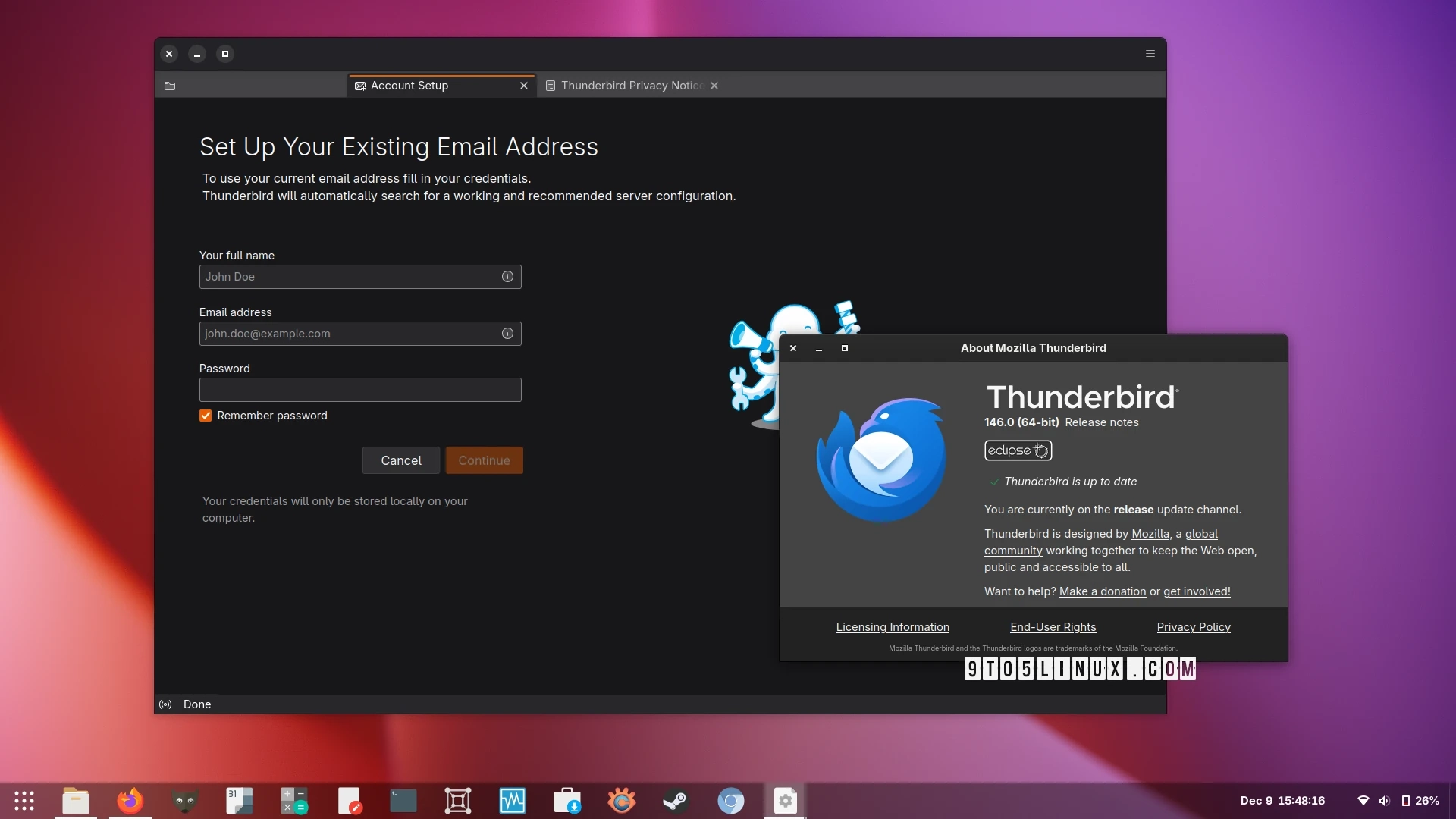
Mozilla has released Thunderbird 146, which introduces several significant updates. One of the most notable features is the ability to configure your preferred OpenPGP keyserver directly through the user interface. This feature is located in the new OpenPGP Keyservers section under the Privacy & Security settings. By default, two keyservers are pre-defined, but users can add additional ones as needed.
In addition to this new configuration setting, Thunderbird 146 includes several improvements related to OpenPGP functionality. There are fixes for bugs concerning the expiration date of OpenPGP keys and another issue that previously prevented composing emails with PGP encryption when Thunderbird was not running.
The release also enhances the overall security by migrating existing logins to utilize modern AES cryptography. Importing vCards has been improved, along with the process of opening vCards from the file manager or command line, and users can sort recent destinations by the time of modification.
The Account Hub feature has been upgraded, ensuring a default outgoing configuration during advanced setups, facilitating local address books with proper names, preventing errors when manually creating EWS accounts, and providing accurate feedback on email configurations.
Several bugs have been addressed in this release, including a crash in server subscription logic, issues with composing messages when the folder pane is empty, and improvements in handling folders with duplicate names in the ‘Recent Destinations’ and ‘Favorites’ menus.
Moreover, Thunderbird 146 brings visual and user experience improvements, along with important security fixes. Users can download the latest version directly from the official Thunderbird website as a binary for 64-bit systems or as a source tarball.