PeaZip 10.9 Launches: Enhancing User Experience in Open-Source Archiving
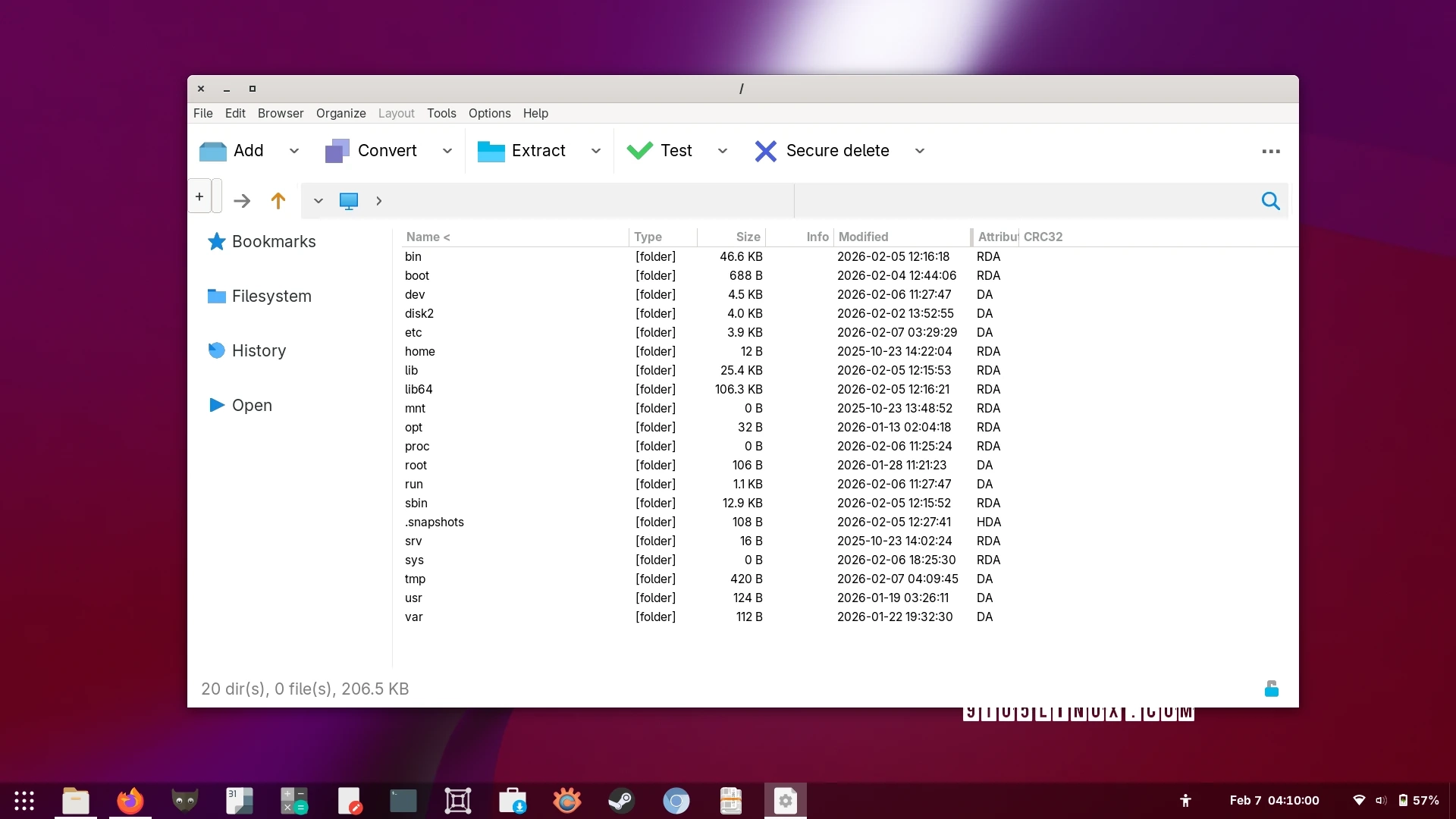
PeaZip has released version 10.9 of its open-source archive manager, enhancing user experience with several new features and improvements. This update, which follows the release of version 10.8, introduces alternative context menus for "Open with" and "Rename" actions, as well as new keyboard shortcuts for the text and hex viewers.
A notable enhancement is the improved automatic detection of RAR binaries for non-Windows systems, which aims to facilitate better archive handling. This version also improves the speed and efficiency of browsing large archives and addresses issues related to multi-volume archives. The task progress window has been updated to provide better information reporting.
Additional improvements include enhancements to the built-in image and text viewers. The image viewer now better detects the appropriate size for the full-screen mode, while the text viewer includes features such as BOM header detection, case-sensitive search options, and improved zoom functionalities.
PeaZip 10.9 also refines the drag-and-drop feature, ensuring users can more effectively manage files. The closing sequence of the application has been reorganized to ensure configurations are saved promptly, even during the deletion of temporary files.
This release also fixes various bugs and updates icons for a fresher look. The integration with FreeDesktop documentation was updated for improved compatibility with Flatpak, enhancing usability in sandboxed environments.
For more details, users can refer to the release notes and download the latest version from the official website, where it is available for various operating systems, including Linux, BSD, macOS, and Windows.