Shotcut 26.2: New Features and Improvements in the Latest Open-Source Video Editor Release
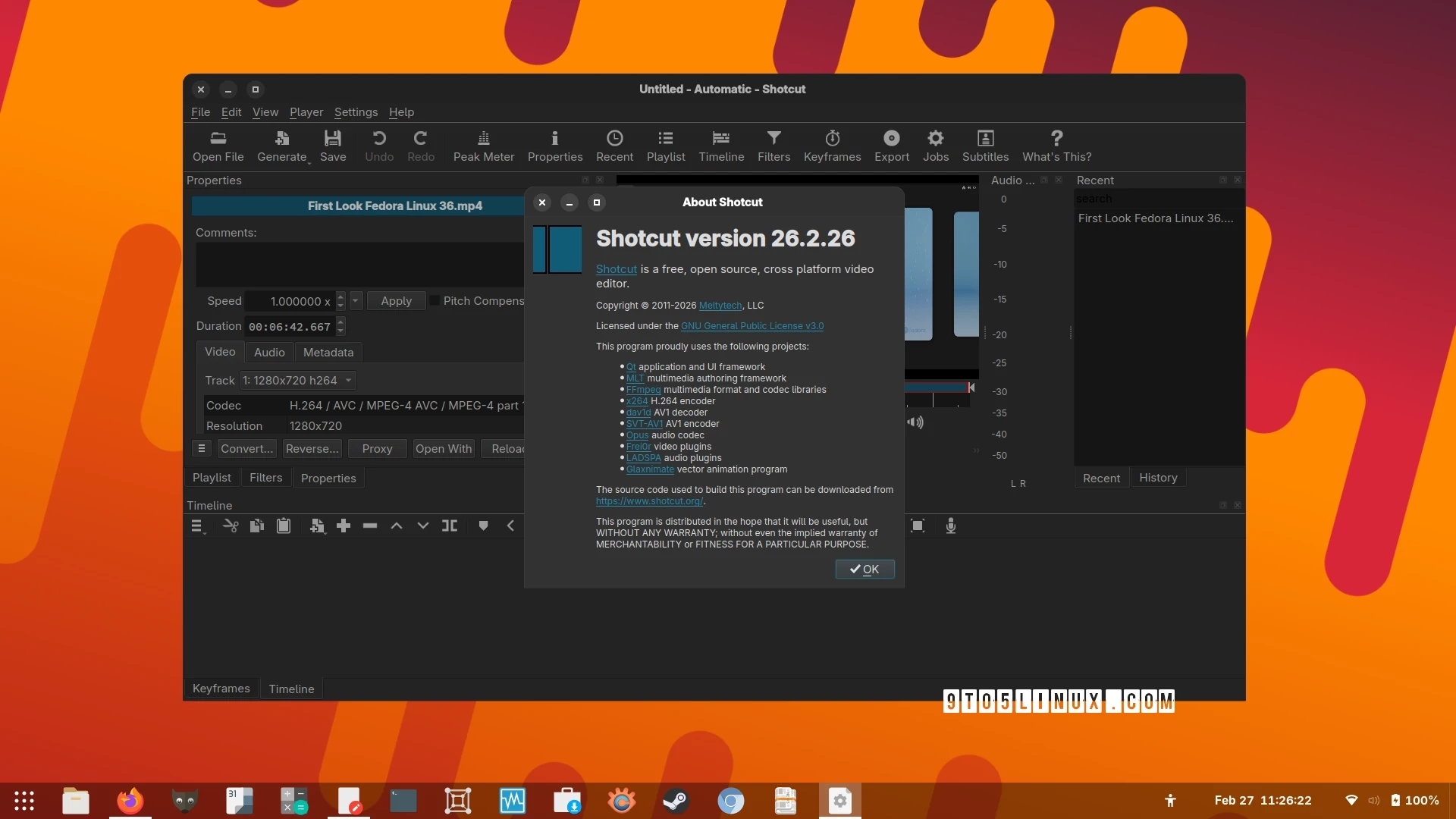
Shotcut 26.2 has been released as the latest stable version of this open-source video editing software, which is available for Linux, macOS, and Windows. This new version arrives just a month after the previous 26.1 release and introduces several enhancements and bug fixes that aim to elevate the video editing experience.
One of the notable features in Shotcut 26.2 is the addition of a search field for Subtitles, which enhances usability significantly. Users can now also utilize the underline and strikethrough options in the Font dialog for text filters. A convenient new functionality allows users to toggle all other tracks on the Timeline by holding the Alt key while clicking the Mute and Hide options.
Improvements in this release also include the ability to zoom the player by holding the Shift key and using the mouse wheel. Moreover, it adds a Playlist feature that appends a 6-second clip (±3 seconds) at the current player time. The Generate option has been restored in the main toolbar for better accessibility.
Performance enhancements have been made in timeline rendering and keyframe waveforms. Additionally, the mouse wheel behavior for video zooming has been updated to facilitate vertical scrolling without needing a modifier key, while zoom and horizontal scrolling features have adopted Ctrl and Alt modifiers, respectively.
On the bug-fixing side, this release addresses various stability issues and crashes, including timely fixes for the RGB Shift video filter and issues encountered when adding long videos in QT 6.10 environments. Other fixes include the resolution of a black or green bottom bar on Windows with HEVC sources when hardware decoding is enabled and a remedy for broken keyframes in the text filter feature.
For more information about all the changes included in Shotcut 26.2, you can check the release notes. Binaries for Shotcut can be downloaded from the official Shotcut website.