How to Receive Gmail Alerts on Ubuntu Without Using a Dedicated Mail Client
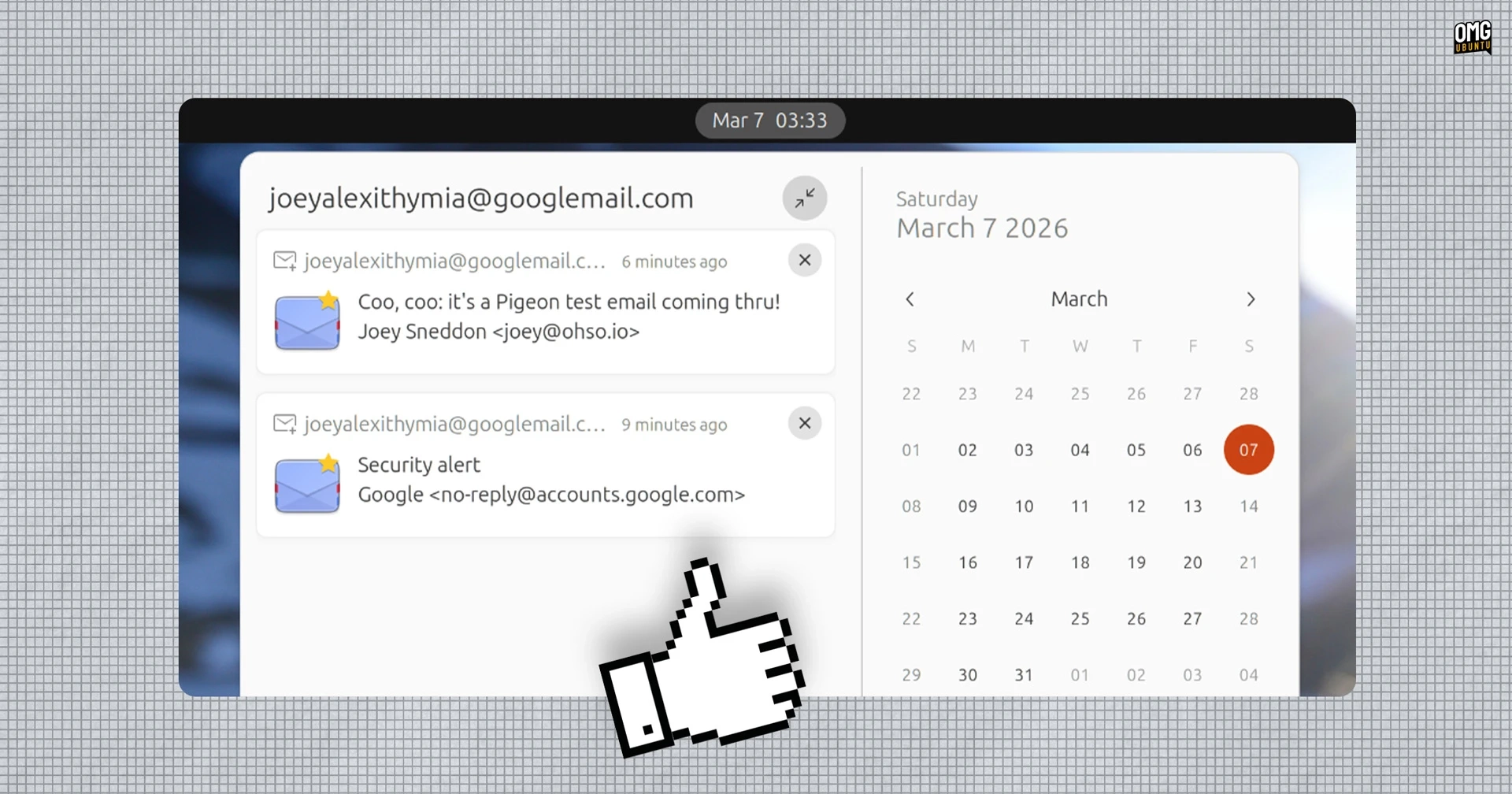
Pigeon Email Notifier is a new GNOME Shell extension that provides desktop notifications for new emails without the need for a dedicated mail client. This tool is particularly useful for users who prefer not to keep a webmail tab open or run a larger application like Thunderbird, especially if their email provider does not have a desktop app.
The extension supports Gmail, Microsoft Outlook, and IMAP webmail accounts and integrates seamlessly with GNOME Online Accounts. This means you can set up your email accounts in the system settings, and Pigeon will automatically handle the notifications without requiring additional logins or passwords.
The features include:
- Notifications for new emails
- Priority mode for Gmail and Outlook (off by default)
- Configurable check intervals for new mail
- Option for persistent notifications (off by default)
- Sound alerts (off by default)
- Ability to click on a notification to open the email in your web browser
To get started, you need to ensure that two dependencies are installed on Ubuntu. Use the following command in terminal:
sudo apt install gir1.2-goa-1.0 gir1.2-xmlb-2.0After logging out and back in, you can install Pigeon from the GNOME Extensions site. This extension is perfect for those who want to keep their desktop uncluttered while still staying updated on new email messages.
For more information or to download the Pigeon Email Notifier, visit the GNOME Extensions page.