Enhancing User Experience: Focus Blur and Nightlight Features Added to Miracle-wm Desktop
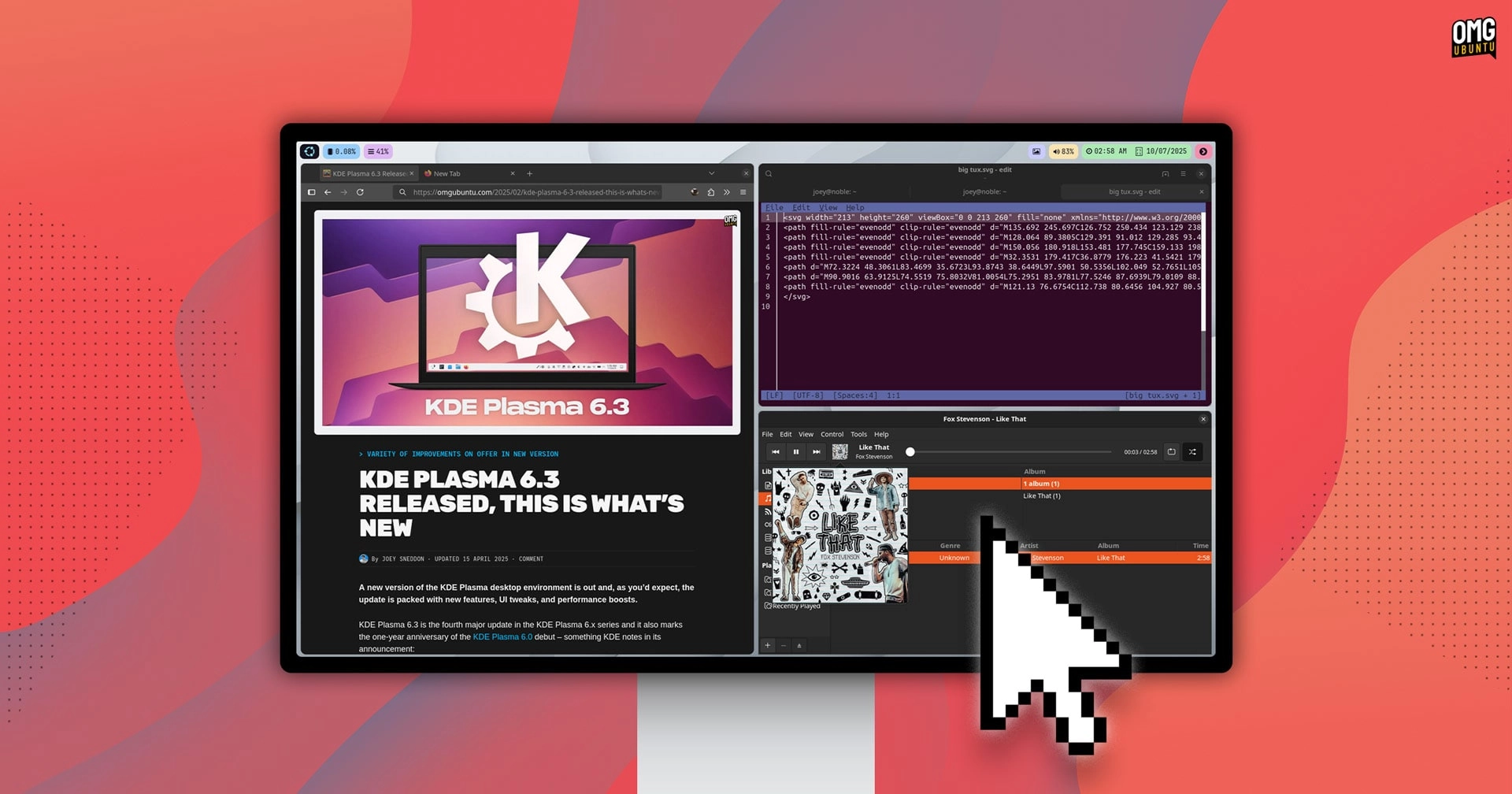
A new version of miracle-wm, a Wayland compositor designed with an i3/Sway style tiling window manager, has been released. The developer, Matthew Kosarek, who works at Canonical, announced that version 0.10.0 includes significant enhancements to the plugin system first introduced in April 2026.
Among the most notable updates are plugins that allow users to apply a blur effect on unfocused windows, using a two-pass separable Gaussian blur shader. This feature is aimed at helping users concentrate better by providing a visual distinction between focused and unfocused windows.
Additionally, a new nightlight plugin has been launched, utilizing an output shader to tint the display orange, which helps in reducing blue light emissions by operating on a schedule from 6 PM to 8 AM. Alongside these new features, additional Wayland protocol extensions have been implemented, granting out-of-the-box support for popular tools such as wl-copy for clipboard functionality and grimshot for screenshots, as well as xdg-desktop-portal-wlr for screen-sharing capabilities.
Kosarek showcased many of the new features in a YouTube demonstration.
Other improvements in miracle-wm 0.10.0 include:
- A GTK4 tool to alert users of configuration errors
- A
miraclemsg debug overlaythat provides details on windows and input regions - Automatic loading of
.wasmplugins from the~/.config/miracle-wm/pluginsdirectory - Resolution of conflicts between WasmEdge’s LLVM and
llvmpipe, which previously caused black screen issues - Enhanced monitor usability, even if they are not included in the configuration
The team is gearing up for the important v1.0 release set for the end of the year.
For those interested in trying out miracle-wm, it can be installed on Ubuntu via the Snap Store using the command sudo snap install miracle-wm --classic. Alternatively, users can access the miracle-wm PPA for Ubuntu 25.10 or 26.04 LTS, as the PPA is no longer compatible with Ubuntu 24.04 LTS.
To use miracle-wm, log out from your current session and select the ‘Miracle’ session from the cog icon on the bottom right of the login screen. Logging out can be accomplished with the keyboard shortcut super + shift + e. However, it’s essential to note that miracle-wm acts only as a compositor, meaning users must create a text configuration file to tailor their preferences and install additional packages for panels, launchers, and applets.
More detailed instructions and guidance can be found on the miracle-wm wiki.