Ubuntu’s App Center: Troubleshooting Issues and Finding Solutions
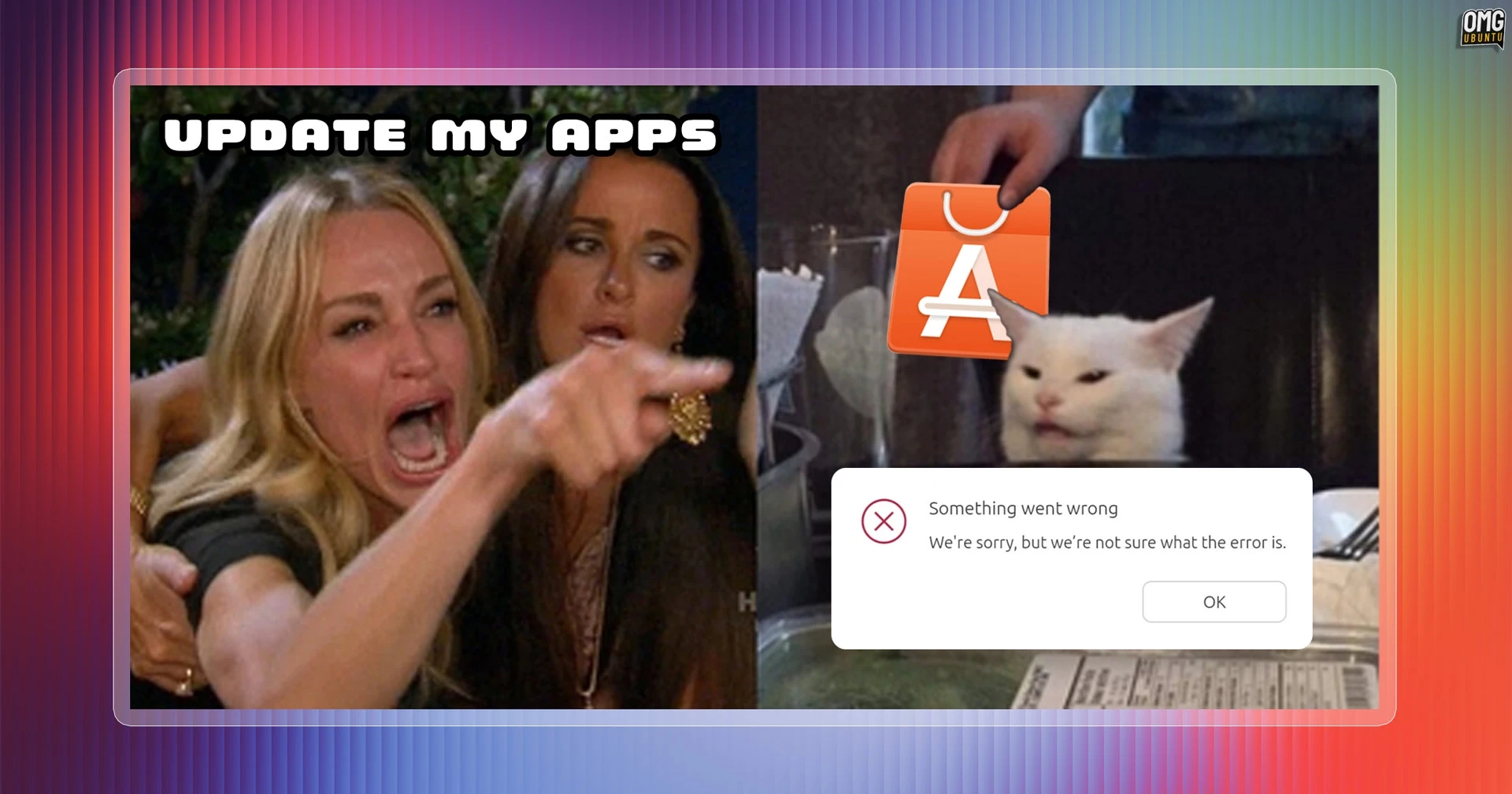
I recently faced an all-too-familiar issue in Ubuntu’s App Center, the default GUI for managing software, which returned a perplexing error message: "Something went wrong. We’re sorry, but we’re not sure what the error is." This message, while refreshingly honest, raises questions about the software’s accountability. Isn’t the purpose of such tools to identify and communicate errors effectively?
The App Center, which made its debut in 2023, has been plagued by a sense of dysfunctionality. Built with Flutter and designed to resemble a native GTK application, it often misses the mark—elements appear misaligned, resizing issues abound, and it struggles with usability. Compared to Flatpak management systems like Bazaar, App Center comes off as a lackluster experience with a homepage that feels more automated than curated.
The glitch where it fails to determine a specific error can be frustrating, yet no apparent issues occurred after the message appeared. This raises the question: if the app can’t pinpoint the problem, can it at least verify that everything is functioning correctly?
Particularly concerning is the fact that, as Ubuntu 26.10 is set to introduce a new drivers page, users hope for a reduction in cryptic errors and an increase in useful feedback from the App Center. A more informative dialogue could greatly enhance the overall experience for users of this major desktop operating system, supported by a team of capable engineers.
As things stand, the default package manager’s ambiguous error leaves users with uncertainty—something they shouldn’t have to face when using such software.