Exploring Ubuntu’s AI Voice Typing Feature: A Hands-On Review
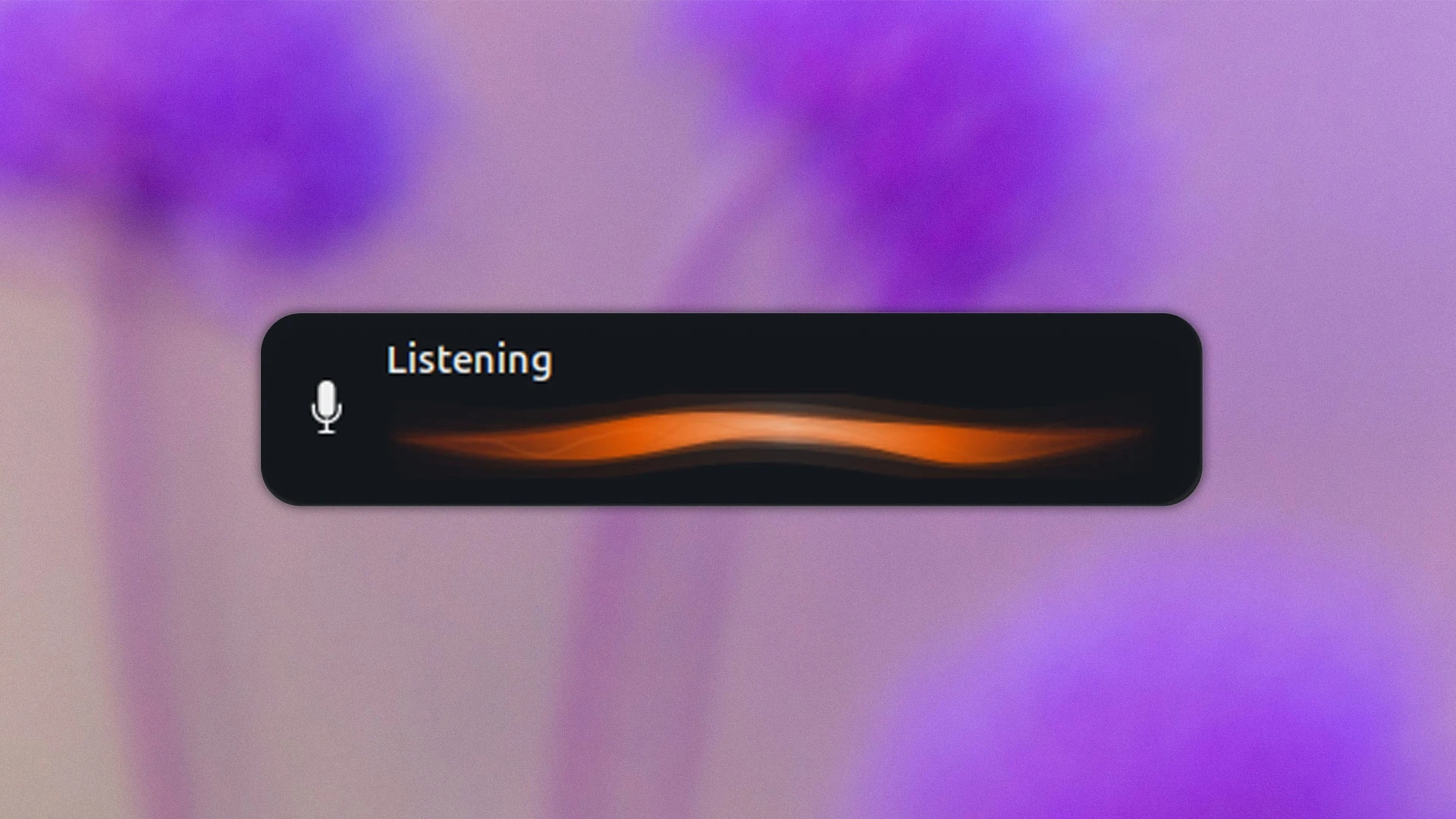
AI-powered voice typing is on its way to Ubuntu through a feature called Myna, which allows users to dictate text into any text field. Although it’s still in development, I recently tested an early version to see how it functions as Ubuntu 26.10 approaches its freeze.
The user interface is becoming more defined as the development progresses. A new GNOME Shell extension has been added to notify users when Myna is actively listening and recording. Myna is not just a GNOME Shell extension; it orchestrates the loading of the AI model, activates upon a hotkey, processes audio captured from the microphone, and returns transcribed text to a designated text field.
While using Myna, I found that activating it requires a hotkey—configured to Super + T in my case. When Myna is listening, an on-screen display (OSD) provides visual feedback, showing a wave that oscillates as audio is detected. Once you finish speaking, pressing the hotkey again flatlines the OSD while transcribing the audio in the background, and the text appears in the active application.
Importantly, Myna preserves the focus on the intended text field, even if you switch between windows. If no audio is detected, Myna indicates this as well, ensuring it doesn’t transcribe silence.
Myna is designed to function entirely offline, which means that no audio data is transmitted to the cloud. A variety of local AI models, like Whisper, will be available, ensuring that the best-suited model for the user’s hardware is utilized during dictation.
Canonical is approaching the integration of AI features into Ubuntu cautiously, with the goal of ensuring these features genuinely enhance user experience. Users who prefer not to use AI will find Myna to be opt-in and easily removable, so it can be avoided altogether.
For more in-depth insights on Myna, check out the Myna explainer.