Scrcpy 5.0 Introduces Hardware Decoding for Enhanced Android Mirroring Experience
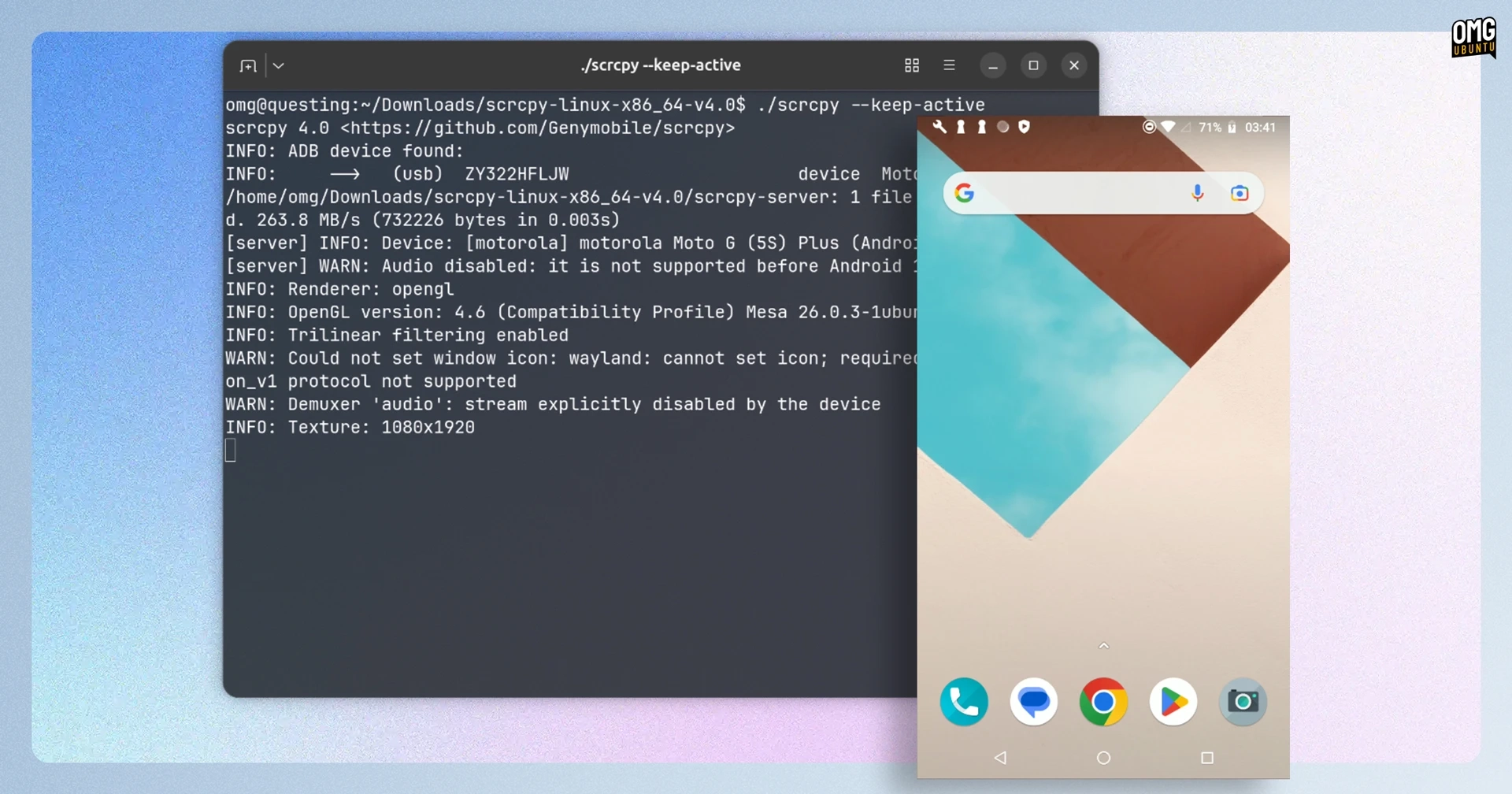
Scrcpy, the open-source tool that allows users to view and control Android devices from their desktops, has launched its latest version, 5.0, introducing support for zero-copy hardware decoding. This feature leverages the computer’s hardware to decode the video stream from an Android device, significantly enhancing performance. Benchmarks indicate that CPU usage on the host machine can drop by up to 10 times.
In Scrcpy 5.0, hardware decoding is enabled by default without requiring additional flags, and it automatically detects the available decoder backend, such as VA-API on Linux. Users can also manually select specific decoders using the --hwdec flag. For Ubuntu users, it’s essential to have the va-driver-all package installed to utilize this feature, while software decoding remains available as a fallback option.
Besides hardware decoding, consumers can expect improvements like enhanced audio capture capabilities, which addresses audio loss during gameplay, while still keeping a media-only mode available by default. The update also includes various bug fixes and improvements, ensuring smoother interaction with devices.
Scrcpy is versatile, being compatible with Windows, macOS, and Linux. Users can download the latest release from the project’s GitHub page. While older versions are available in the Ubuntu repositories, they do not have the new hardware decoding functionalities. An unofficial Scrcpy Snap package will soon be updated to version 5.0.
For more details, visit Scrcpy on GitHub.