Tiling Shell Adds Mouse Button Layout Activation Support
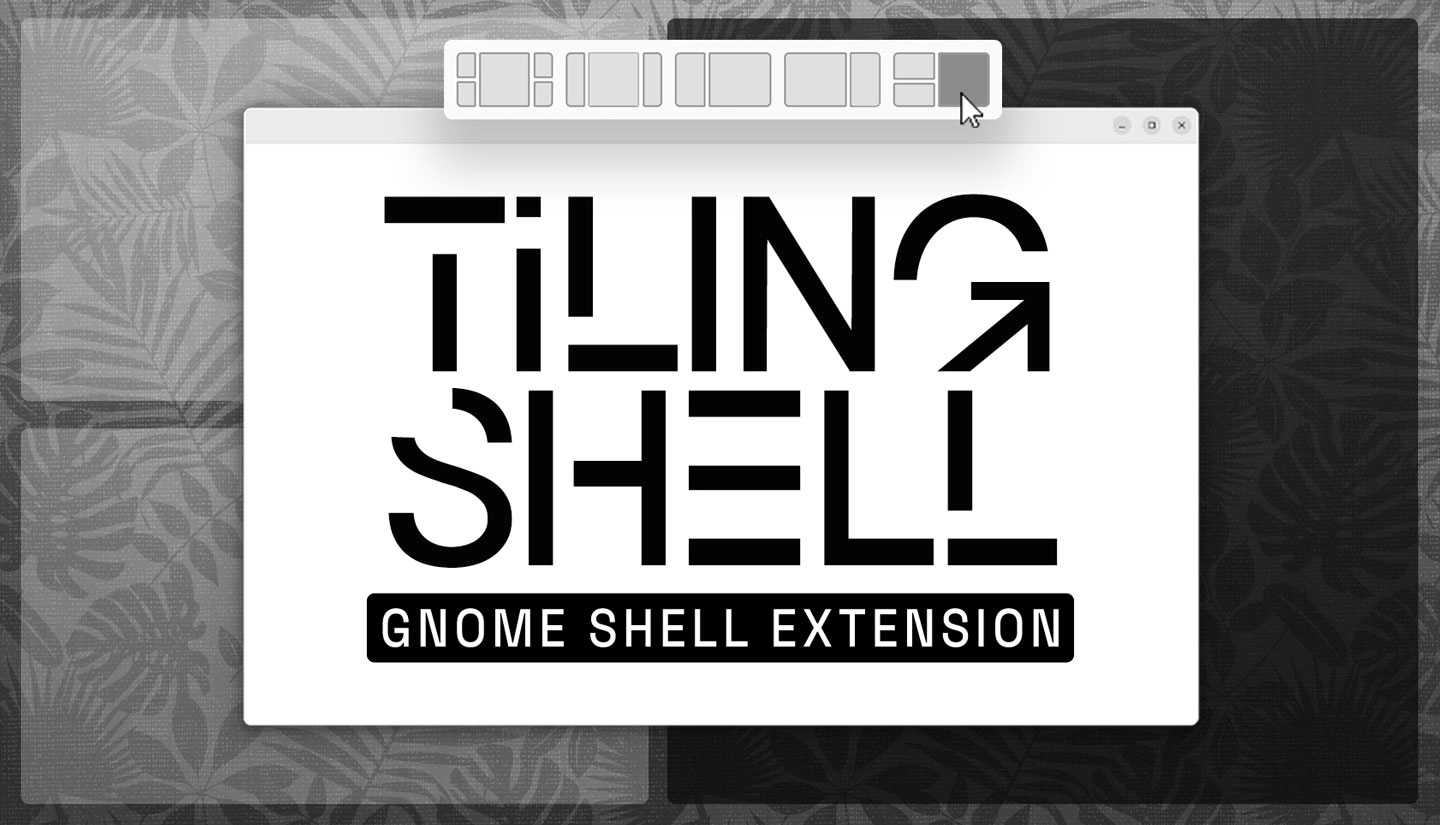
Tiling Shell 18.0 adds mouse-button activation for its tiling layouts and support for GNOME 51.
To tile a window, drag it with the left mouse button held, then press and hold the right button to show the layout. Release the window over a zone to snap it into place—no keyboard shortcuts required. The option is off by default, so enable it in the extension’s settings.
The update also fixes oversized interface elements when fractional scaling is enabled. Users can now set a shortcut to untile all windows at once, choose whether changing a layout affects every workspace, and limit the “raise together” behaviour to the current display.
Tiling Shell offers several ways to manage windows, including drag-and-drop zones, keyboard shortcuts and a GTK window context menu. It supports GNOME 45 through 51 and is available from the GNOME Extensions website.
Existing users should receive the update automatically; log out and back in for it to take effect. On Ubuntu, disable the built-in Tiling Assistant under Settings > Ubuntu Desktop > Enhanced Tiling to avoid conflicts.