An Easier Way to Type Accented Characters on Ubuntu
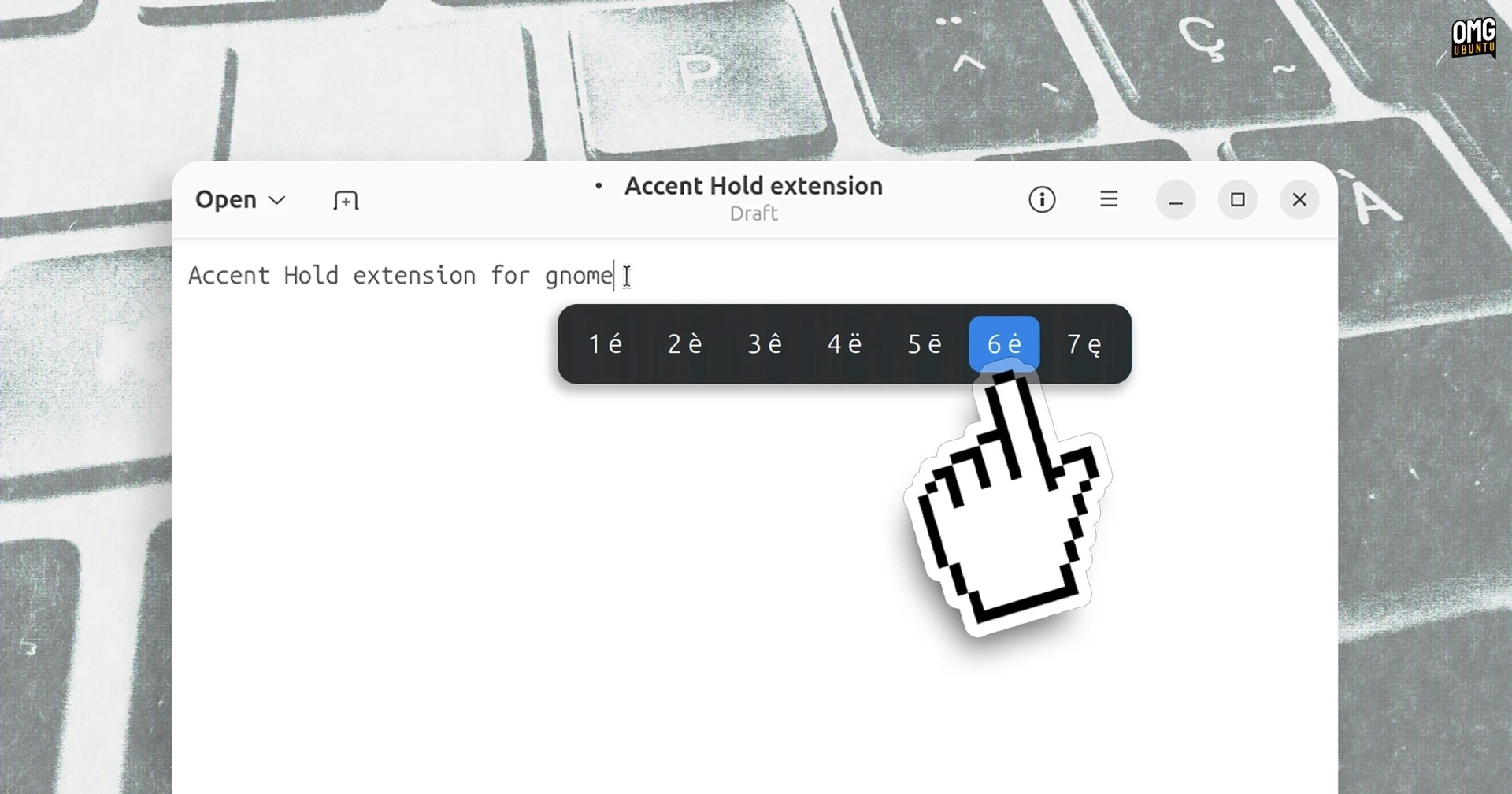
Typing accented characters on Ubuntu usually requires a keyboard shortcut, a Unicode code, or a configured Compose key. The GNOME Shell extension Accent Hold offers a more direct approach: press and hold a letter to open a small picker of accented versions and other characters beside the cursor.
Choose a character by pressing its number, using the arrow keys, or clicking it. If you change your mind, tap the key normally to type the unaccented letter. The extension works with layouts such as QWERTY and AZERTY.
Customize the picker
In the extension’s preferences, you can adjust how long a key must be held before the picker appears and how long it stays open. You can also edit the characters shown for each key—removing, rearranging, or adding characters, including emoji.
Accent Hold works on Wayland with apps that use GNOME input methods, including many Electron apps and Firefox. In some apps, such as Qt applications, the picker may not appear; the Super + E shortcut can open it instead.
The extension adds an icon to the top panel, where you can disable the picker or open its preferences. It supports GNOME 45–50, with GNOME 51 support awaiting review.