Dhruva Dock Brings a Touch of Bling to the GNOME Desktop
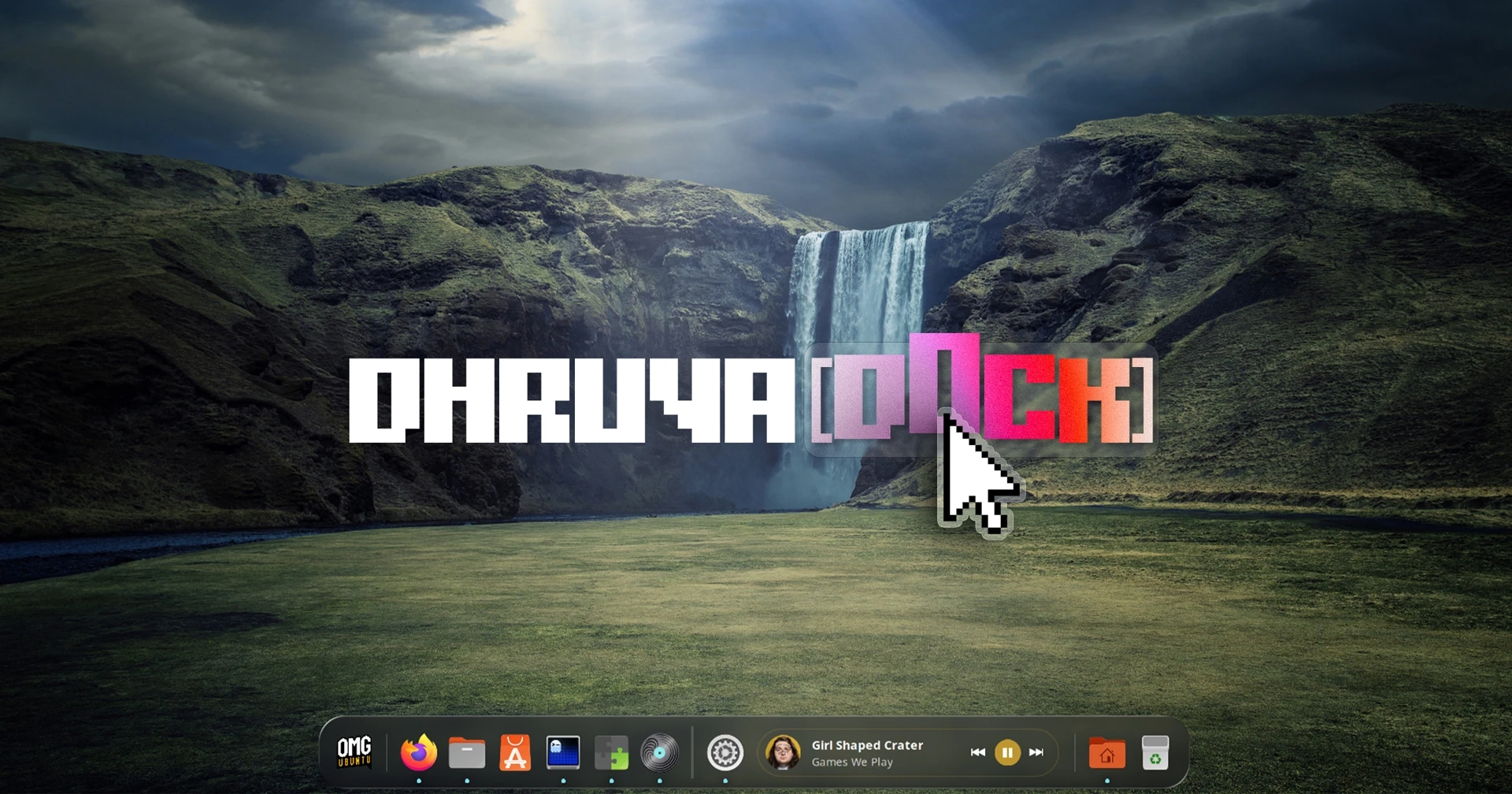
Ubuntu has used a dock on the left side of the screen since Unity became its default desktop in 2011, and kept the design after switching back to GNOME in 2017. For users who want something different—a floating dock, animated icons, or a dock that doubles as a panel—there are plenty of alternatives.
One option is Dhruva Dock, a highly configurable GNOME Shell extension that puts visual effects front and centre.
A dock built for customisation
Dhruva Dock includes animated effects such as icon zoom on hover, bouncing or jelly-like launch animations, and window-minimising effects—including a magic-lamp animation. Many can be adjusted in the extension’s preferences.
You can change the dock’s colours and appearance, and add static or dynamic blur. Layout options include a compact dock, a floating dock, an edge-to-edge panel, or a dock that incorporates the desktop panel. It can also include a music player, Trash, and other applets.
Presets inspired by Ubuntu, macOS, and Windows offer convenient starting points, while settings let you adjust the dock’s size and position, auto-hide behaviour, window previews, app indicators, and more. Some configurations also provide an alternative application launcher.
The range of options is the extension’s main appeal, though its preferences window can cut off some labels and settings. There are also occasional quirks: certain options can conflict, and some animations may behave inconsistently. These issues are minor, but they show that the extension still has room for polish.
Dhruva Dock supports GNOME versions 45 through 51. Ubuntu users should disable Ubuntu Dock before trying it to avoid having two docks at once.