Category: Firefox
-

Firefox 151: New Tab Page Revamp, PDF Merging, and Exciting New Features
The latest update to Firefox, version 151, introduces a refreshed new tab page now called Firefox Home. This update, rolling out on May 18, features a revamped look with a rounded search bar inspired by the forthcoming Nova redesign. Users will now be able to display more shortcuts, up to four rows, on this new…
-

Firefox’s Free VPN Finally Introduces the Missing Feature You’ve Been Waiting For!
Mozilla has received praise for integrating a free built-in VPN into its Firefox browser, offering users a generous monthly data allowance of 50 GB. This feature, which began rolling out in Firefox 149 for users in select countries, hides users’ real IP addresses by routing traffic through secure proxy servers managed by Fastly. Users in…
-
Firefox 150: Exciting New Features including Linux Emoji Picker and PDF Page Ordering
Firefox 150 has been released, boasting significant enhancements such as improved Split View functionality, multi-tab sharing, and new PDF editing features. The Split View, initially introduced in Firefox 149, allows users to view two web pages side-by-side. In this latest version, users can right-click on a link to open it directly in Split View. Additionally,…
-
Is Firefox’s Free VPN Rollout Worth the Hype? My Experience and Review
Firefox has recently rolled out a free built-in VPN feature for its desktop browser, though its availability is being gradually extended. This feature reached some users, including myself on an Ubuntu system, with no prior announcements—just a new button appearing in the toolbar. Currently, the VPN is available only to users in specific countries: the…
-
Firefox 149 Introduces Built-in Free VPN with 50GB Monthly Data Limit
Mozilla has recently confirmed the upcoming integration of a free, built-in VPN into Firefox, set to debut with the Firefox 149 update on March 24. This feature is designed to provide users with 50GB of monthly data, targeting enhanced privacy for web browsing. To use the VPN service, users will need to create a Mozilla…
-
Is Firefox About to Unveil a New Logo? Clues from Mozilla’s Socials Indicate Change Ahead!
Mozilla’s social media presence hints at a potential redesign for the Firefox browser logo. Recently, its official social accounts switched from the iconic Firefox logo to a simple purple globe, omitting the familiar fox character. This change has sparked speculation about an impending logo update. While Mozilla hasn’t officially confirmed any changes, they playfully mentioned…
-
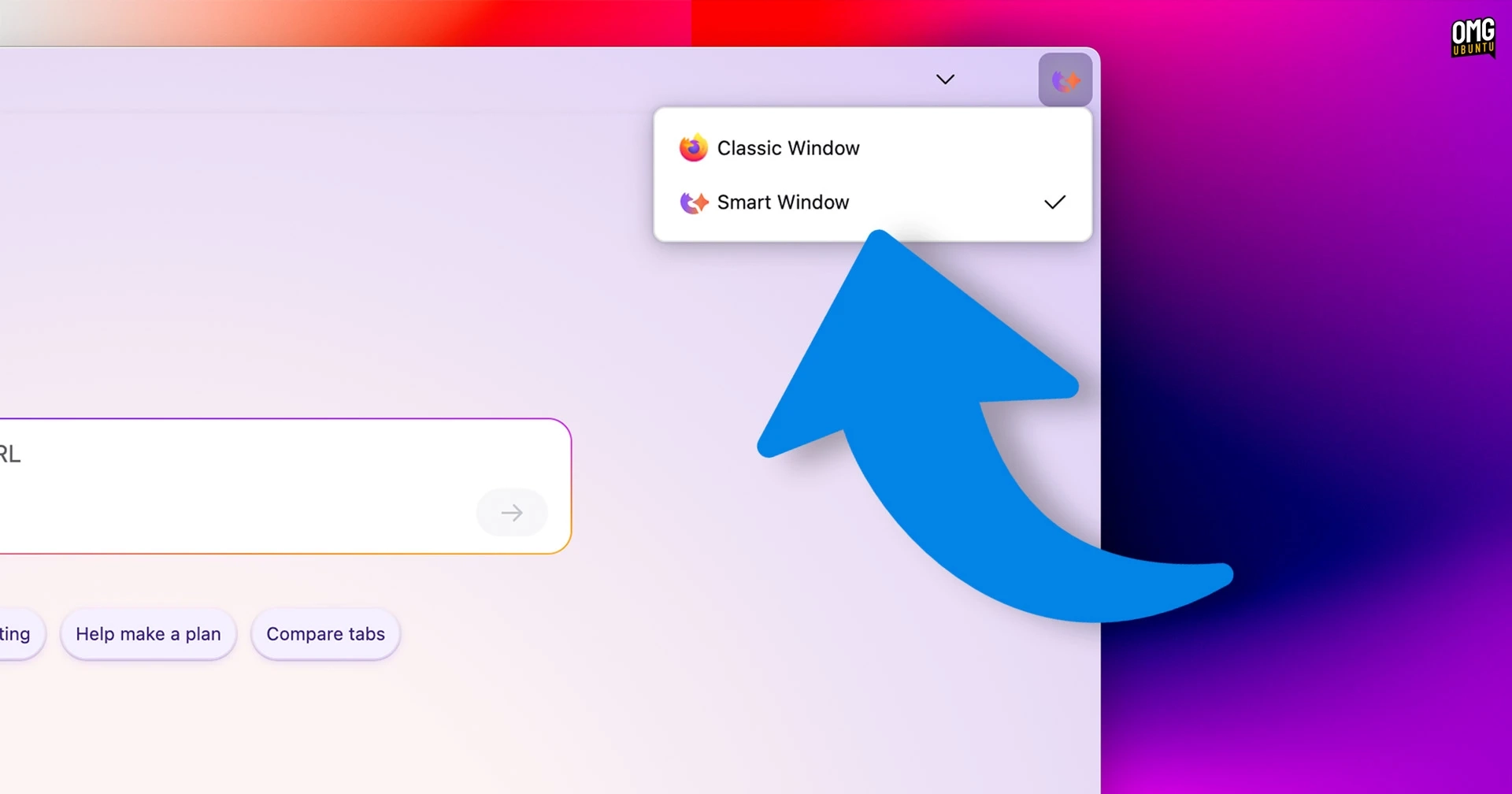
Exploring Firefox’s New AI Feature: A Deep Dive into the ‘Smart Window’ Beta Experience
Firefox is currently developing an AI-powered browsing feature called "Smart Window." This initiative aims to integrate artificial intelligence as a primary tool for browsing the web. Although it is still in beta, I had the opportunity to test it in version 149.0b7 on macOS. Overview of Smart Window Smart Window can be activated through a…
-
Firefox 148 Launches with Exciting AI Kill Switch Feature and More Enhancements!
The latest update of Firefox, version 148, introduces a much-anticipated "AI kill switch" feature, allowing users to disable AI functionalities such as chatbot prompts and AI-generated link summaries. Mozilla emphasizes that once AI features are turned off, future updates will not override this choice. This decision reflects the company’s new revenue-focused strategy regarding AI integrations.…
-
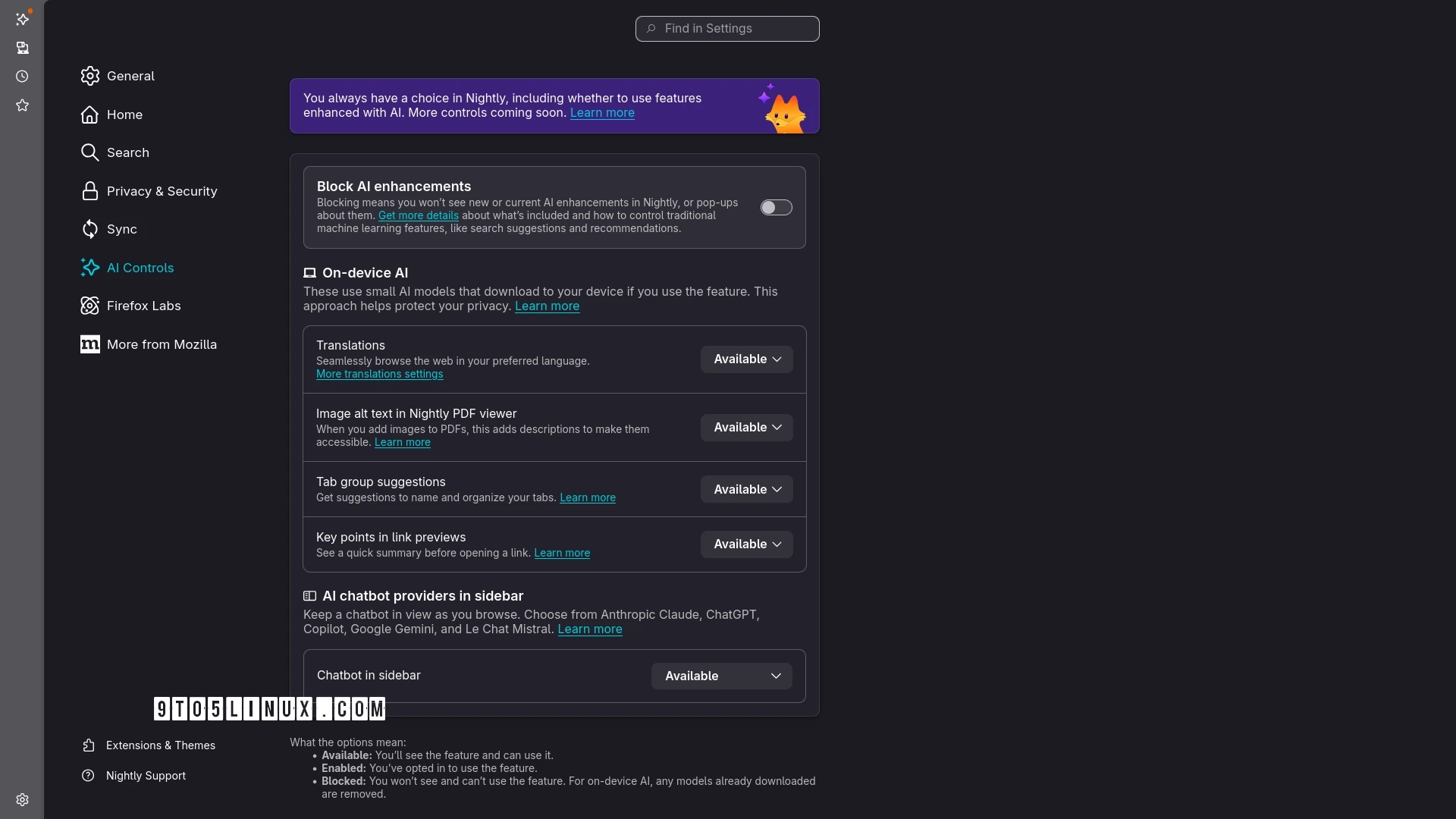
Firefox Introduces AI Kill Switch in Nightly Build, Set to Launch with Firefox 148
Mozilla has introduced the long-awaited AI Kill Switch feature in Firefox. This allows users to disable all AI-driven functionalities within the browser effectively. This functionality is currently available for testing in the latest Firefox Nightly update. Back in December 2025, the newly appointed CEO of Mozilla announced plans for an AI kill switch, aiming to…
-
Get Ready: Disable Firefox’s AI Features This Month!
Mozilla has announced that with the upcoming Firefox version 148, users will have the option to disable AI features easily. This new capability comes as part of an AI Controls panel set to launch in late February. Users will be able to customize their use of AI features like on-device translations or disable specific enhancements…