Bring App Menus to GNOME’s Top Panel with the Global Menu Extension
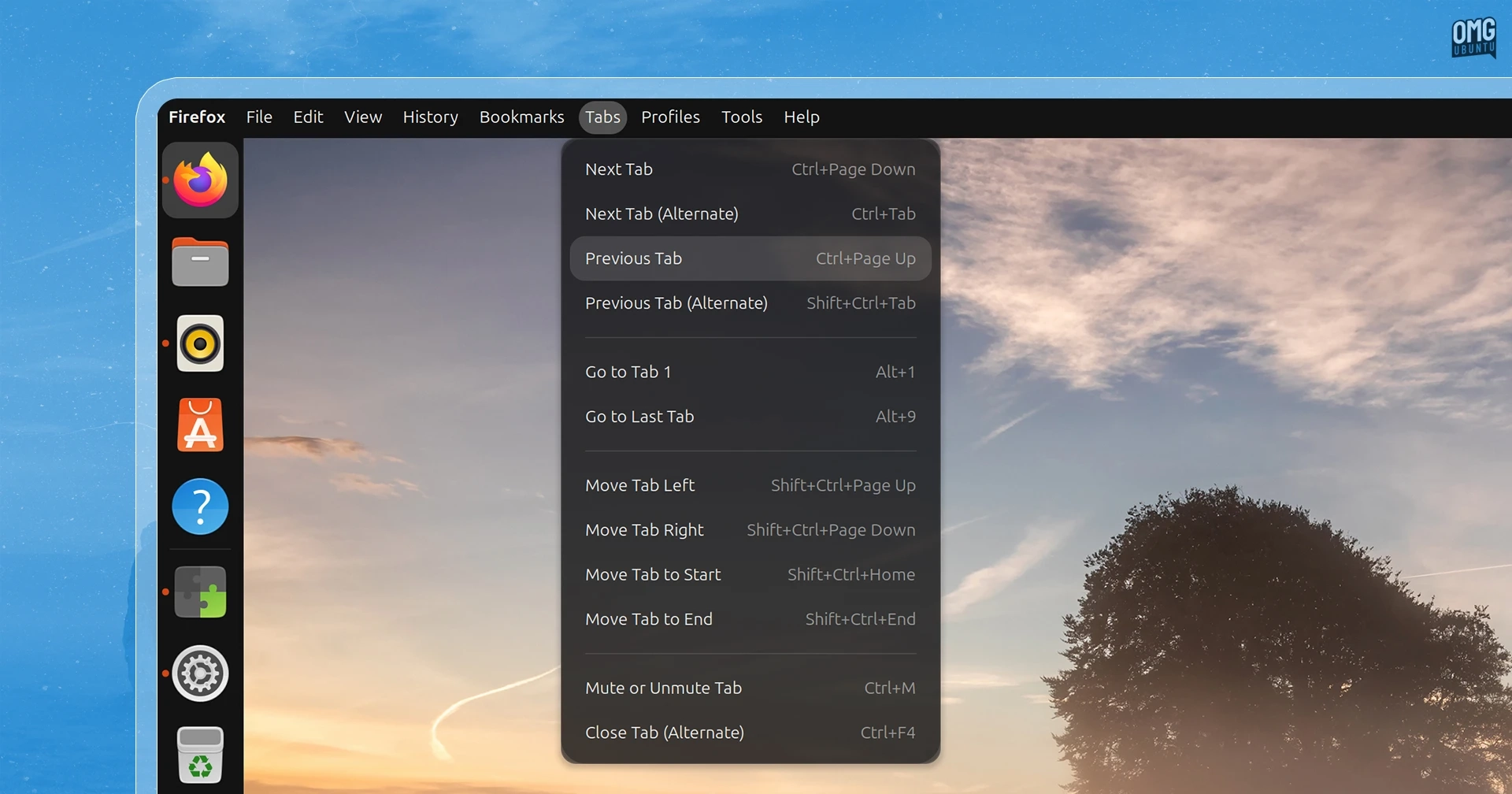
A new Global Menu extension brings application menus to GNOME’s top panel, reviving a familiar feature from Ubuntu’s Unity desktop.
Older attempts at global menus often struggled with Wayland, changes to GNOME’s APIs, and modern apps that don’t export traditional menus. This extension takes a broader approach: it includes shortcut-based menus for 292 popular applications, letting you trigger documented keyboard shortcuts from the panel—even in apps such as Electron software that don’t provide native menus.
For apps that do export their menus over D-Bus, an optional companion daemon can display the full menu and, when possible, remove it from the app window. This gives apps such as GIMP and Shotwell more complete menus, including actions that become enabled or disabled according to the current context.
The companion daemon must be built from source. On Ubuntu, install it with:
sudo apt install git make python3-setuptoolsgit clone https://github.com/Unmade760/orbit-global-menu.gitcd orbit-global-menumake buildsudo apt install ./global-menu_*.debLog out and back in after installation to load the companion. Some apps, including Firefox, may need extra configuration to expose their full menus. The project’s setup guide explains how to enable them.
If the focused app isn’t supported by either method, the panel still shows basic window, workspace, and session actions rather than appearing empty. The extension also offers settings for menu appearance, the focused app’s title, and its built-in shortcut mappings. You can edit the existing menus or add mappings for other apps.
Global Menu supports GNOME 48–51, making it an option for Ubuntu 26.04 LTS and later. On Ubuntu 26.10, it worked with the companion daemon installed.