Creating Sandbox: Canonical’s Workshop for Reproducible Development Environments
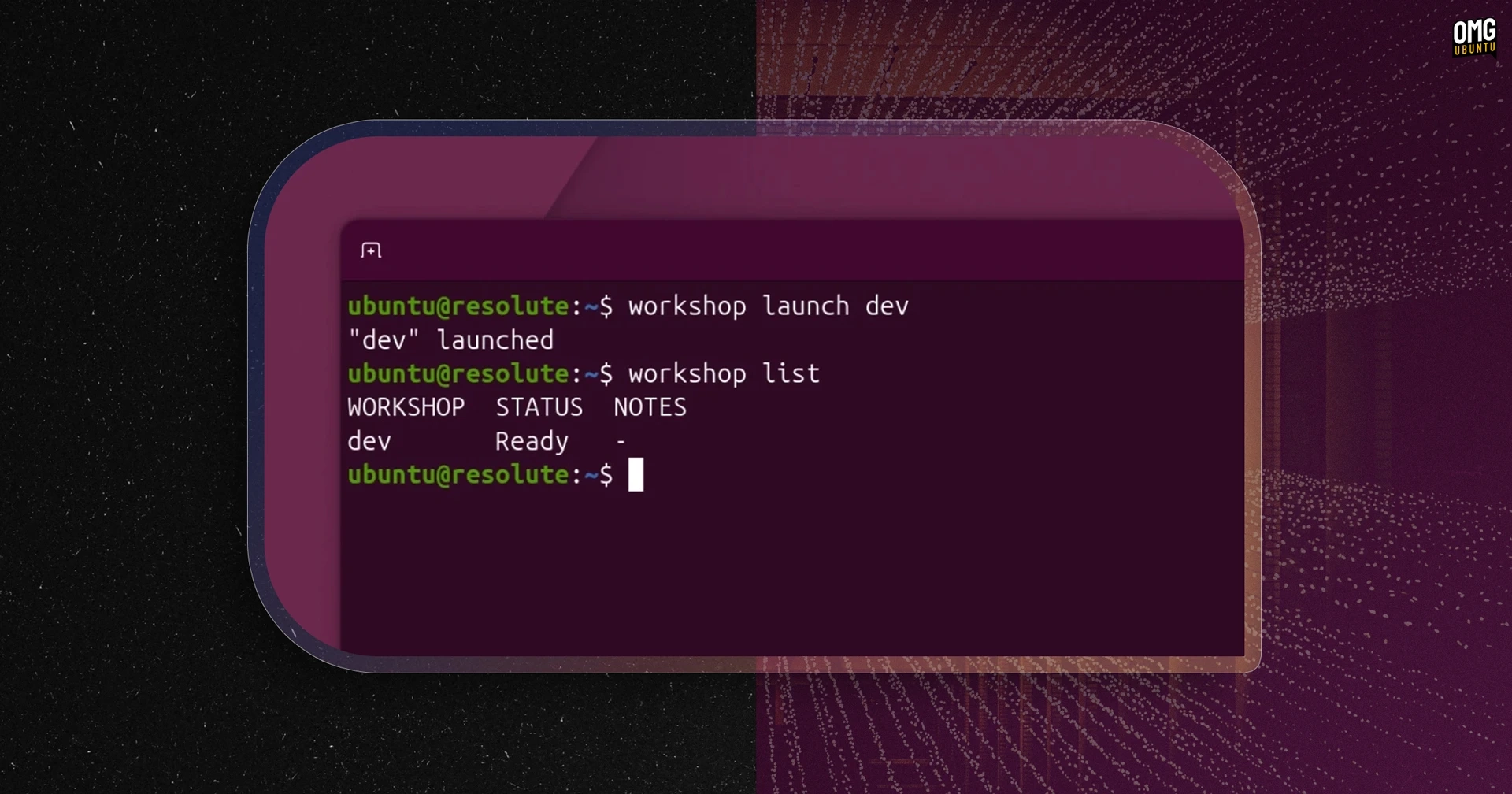
Canonical has introduced Workshop, an open-source tool designed for creating reproducible development environments with a single command. This innovative tool leverages YAML files, allowing developers to replicate their setups on various hardware and devices while minimizing the challenges of dependency management and configuration drift.
In Workshop, development environments are constructed using Software Development Kits (SDKs) that are accessed through the SDK Store. This store supports versioned channels akin to the Snap Store, enabling projects to specify exact SDK versions they require. At its launch, Canonical has provided SDKs for notable platforms such as Ollama, OpenCode, NVIDIA CUDA, and AMD ROCm. Additionally, users can design and add project-specific SDKs to the SDK Store or include them in a project’s .workshop/ directory.
The tool’s configuration leverages a plain-text YAML definition file, which can be version-controlled alongside the application code and any custom SDKs. According to the GitHub description, Workshop allows developers to set up environments that previously took hours to configure in just a few commands while ensuring their stability.
While it shares similarities with existing Linux development tools like Dev Containers, Nix shells, and Docker Compose, Workshop emphasizes strict environment isolation. It utilizes unprivileged LXD containers, each operating its own kernel that does not share resources with the host. This controlled access model, reminiscent of how snapd operates, is particularly beneficial for running AI agents. Dmitry Lyfar, Engineering Manager at Canonical, highlighted the importance of non-privileged defaults, emphasizing that they effectively limit the capabilities of workloads.
Workshop requires LXD version 6.8 or later and can be installed directly from the Snap store. For detailed information about its functionalities and usage, you can refer to the official documentation or access the source code on GitHub.