How to Fix HEIC Images Not Loading in Ubuntu 26.04 LTS
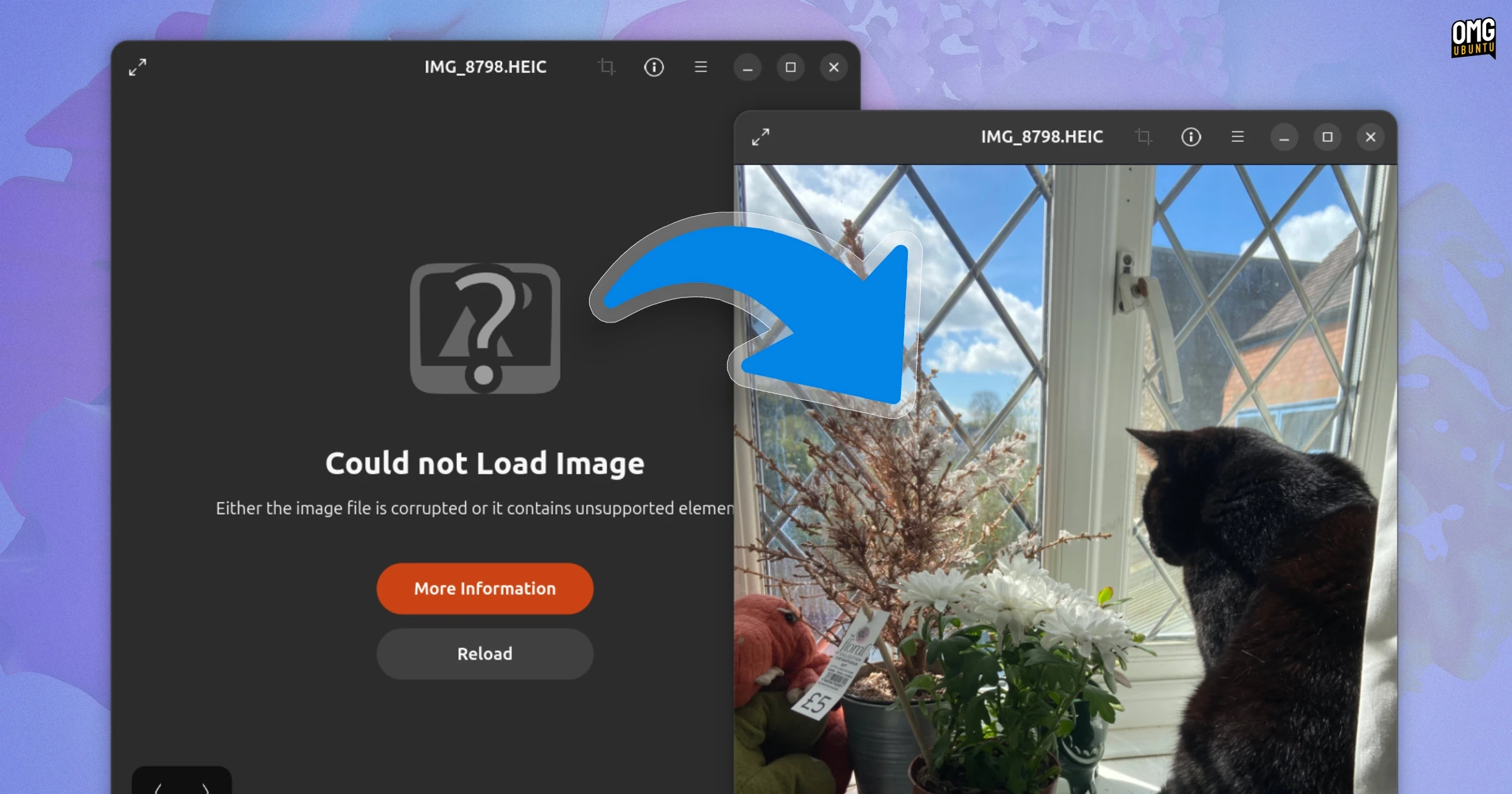
If you’re facing issues with HEIC images showing a "Could not load image" error in Ubuntu 26.04’s Image Viewer, you’re not alone. This situation arises due to the intentional removal of the HEIC decoder library from fresh installs of this version.
HEIC files, which are commonly produced by newer smartphones such as iPhones and some Android devices, utilize H.265/HEVC compression. With the update to Ubuntu 26.04, Canonical has opted not to include a default decoder for this format, likely due to licensing concerns around H.265. If you’ve upgraded from an earlier version of Ubuntu where the decoder was included, you might not experience this problem, as the decoder remains intact from the previous installation.
The error message you’re encountering suggests that the image file may be corrupted or contain unsupported elements, which can be misleading. Fortunately, there is a straightforward fix to regain access to your HEIC images.
How to Fix HEIC Image Loading Issues
To resolve this issue, you simply need to install the missing decoder manually. Open your Terminal and execute the following command:
sudo apt-get install libheif-plugin-libde265After running this command, you may need to log out and then log back in for the changes to take effect. This will allow your image viewer and other applications to load HEIC images without any problems.
For more details on HEIC and Ubuntu 26.04 LTS, you can check the relevant tags on OMG! Ubuntu or forums discussing the topic.
If you’ve encountered this issue during regular use, this simple fix should help you access your HEIC images seamlessly again.