Mission Center: New Features Include Battery Monitoring, Power Draw, and Enhanced Insights for Linux Users
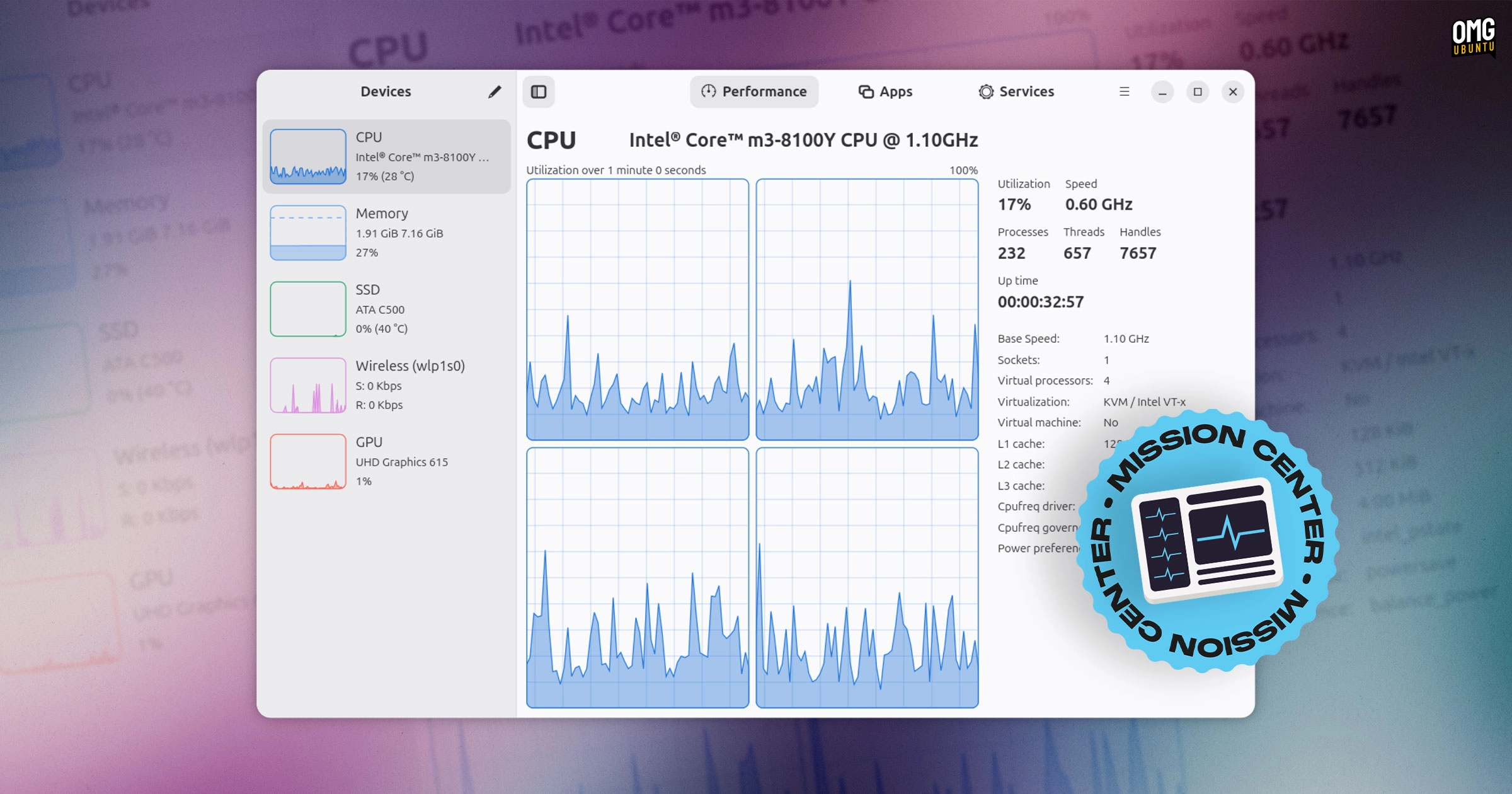
A new version of the Linux system monitoring app, Mission Center, has been released, featuring enhanced hardware support and resource tracking. The latest update, version 1.2.0, introduces significant improvements, including a dedicated Battery page within the Performance tab. Users can now view per-partition usage details on the Disk page, as well as a new graph on the CPU page offering insights into temperature, power draw, or CPU frequency.
In addition to the updates on the Battery and Disk pages, the Memory page now displays statistics on compression (zRAM/zswap). The GPU page has been upgraded to allow users to alternate the middle graph among various metrics such as power draw, clock speeds, and temperature, depending on the graphics card capabilities.
Several other enhancements have been made, including a significant overhaul of the graphing backend, providing smoother animations and rendering. Users may now see a brief grey placeholder when launching the app on slower systems, indicating that the application is loading.
Mission Center serves as a system monitor, displaying detailed information on active processes, services, and their resource usage. The application detection has been improved to ensure that more applications are identified correctly, with accurate naming and icon representation.
Some advanced features will require users to run a setup script. Although it’s possible to decline these prompts, doing so may result in incomplete or inaccurate reporting of certain metrics, like CPU power draw and network usage.
The update also included improvements to the Snap and AppImage packages, alongside several bug fixes. These fixes address issues like CPU temperature readings on the Steam Deck, icon blurriness on HiDPI displays, and errant CPU usage spikes when the system is idle.
New keyboard shortcuts have been introduced, such as holding down the Ctrl key to pause UI changes and using the arrow keys for navigation within the Apps section. Other updates include changes to swap usage statistics and the device categories in network details.
Mission Center is built using Rust and GTK4/libadwaita, and can be downloaded from its official website or the Gitlab project page. Users can also install it from Flathub or the Snap Store. For Ubuntu users, installation is as simple as running:
sudo snap install mission-centerThe latest update significantly enhances the already user-friendly interface of Mission Center, providing even more functionality for Linux users looking for an efficient system monitoring tool.