Step-by-Step Guide: How to Use Ubuntu’s AI Dictation Feature
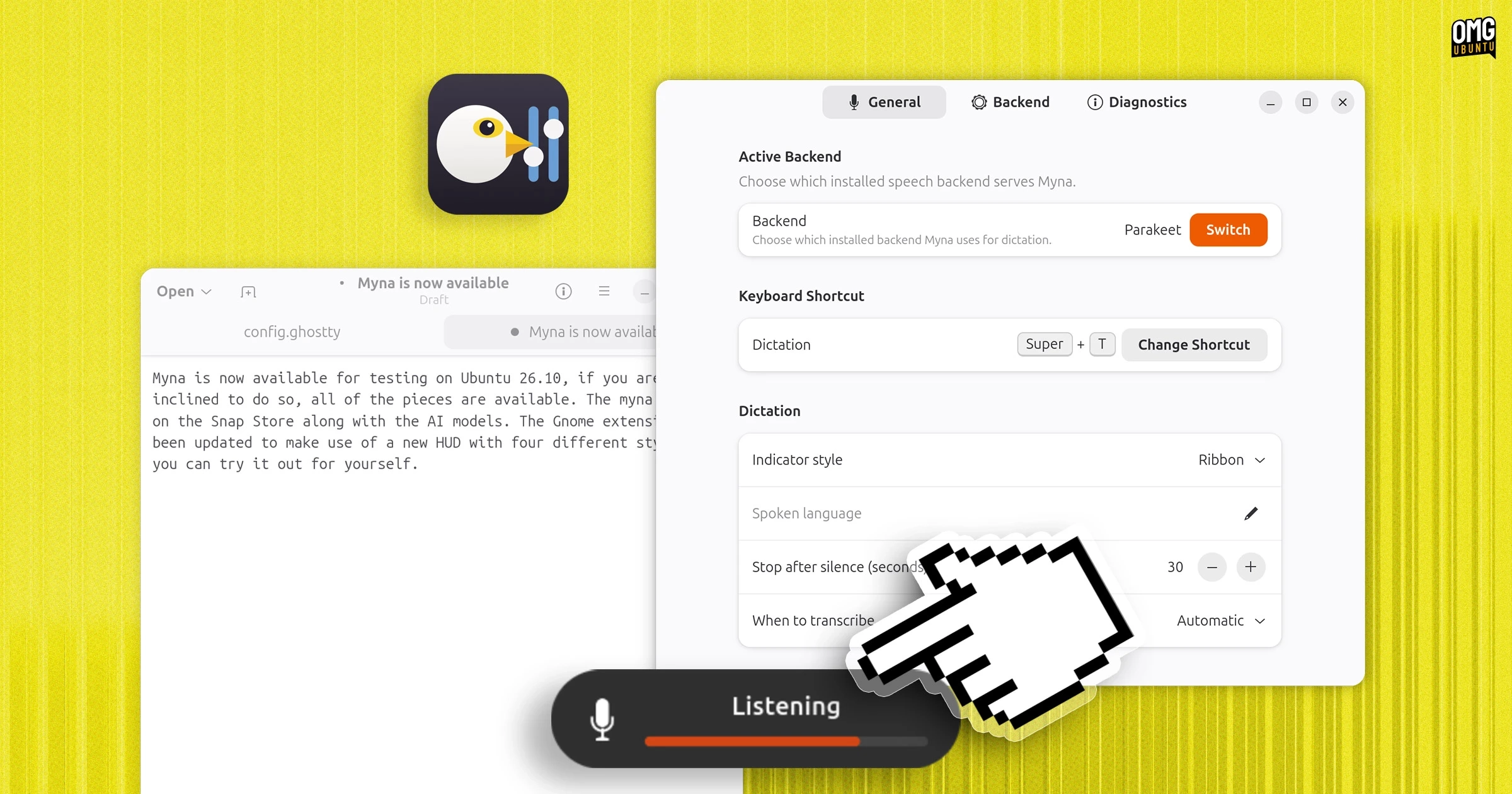
Ubuntu has introduced a new AI-powered dictation tool called Myna, which is currently available for early testing. Canonical added the Myna orchestrator snap and two speech-recognition AI models to the Snap Store, enabling users to try out this feature before its official release. The Myna Settings tool can be tested via a Personal Package Archive (PPA).
This feature is bundled with Ubuntu 26.10 and includes a GNOME Shell extension that activates an on-screen HUD when Myna’s local AI listens or transcribes speech. Though there hasn’t been a formal call for its testing, the components necessary to give Myna a try are already available.
To test Myna on either Ubuntu 26.04 LTS or Ubuntu 26.10, follow these steps:
-
Install the Myna Settings app from the PPA:
sudo add-apt-repository ppa:charles05/myna-configsudo apt install myna-config -
Enable the experimental snap feature:
sudo snap set system experimental.user-daemons=true -
Install the Myna speech-to-text client from the Snap Store:
sudo snap install myna --edge -
Choose and install an AI model for transcription. Options include the following models:
- For NVIDIA’s fast ASR model, use:
sudo snap install myna-parakeet --edge - For OpenAI’s multilingual model, use:
sudo snap install myna-whisper --edge
- For NVIDIA’s fast ASR model, use:
After installation, open the Myna Settings to finalize your setup. Setting a hotkey allows you to activate Myna easily. When a text field is focused, a HUD or notification will appear to indicate that Myna is listening.
Myna aims to enhance accessibility for Ubuntu users; however, its efficiency in daily tasks is yet to be fully assessed. It allows for longer dictation, but users may face challenges with focus loss and voice recognition errors.
For more information on testing Myna and updates about its features, visit the Snap Store for the app and the models.