Streamlining AppImage Installation on Ubuntu: Introducing AppManager Without FUSE
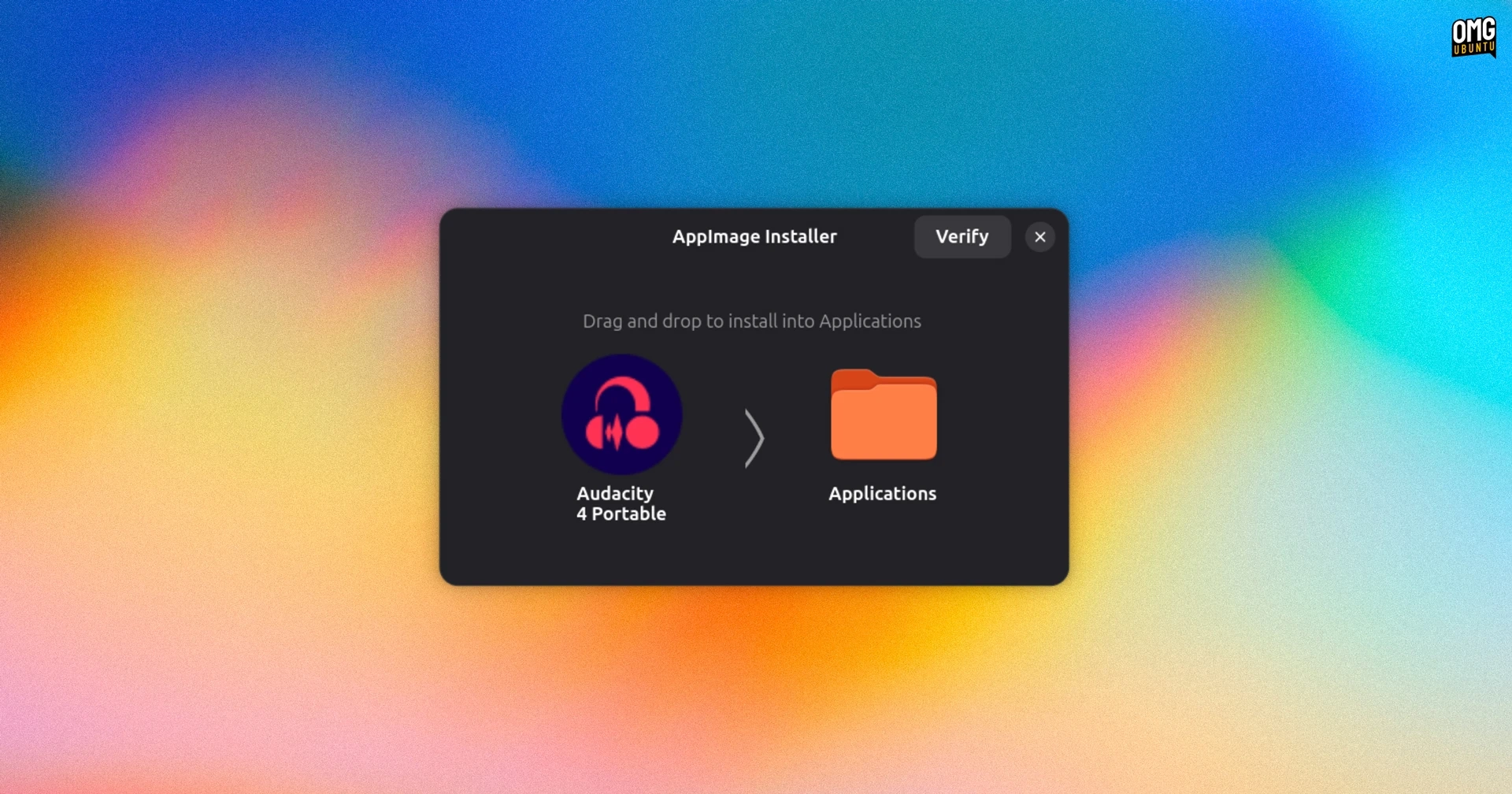
AppManager is a user-friendly GTK4 and Libadwaita application designed for installing AppImages on Ubuntu without the complications of needing FUSE (Filesystem in Userspace). Traditionally, Ubuntu ships with FUSE 3, complicating the installation of some AppImages that require FUSE 2. AppManager simplifies this by utilizing uruntime for mounting AppImages.
When you double-click an .AppImage, AppManager launches in a macOS-style interface where you can simply drag the application icon to your preferred folder, such as ~/Applications. It also provides options to move and integrate existing AppImages on your device with an import functionality.
The app is not limited to just creating launcher shortcuts; it has a variety of management features. Users can update their AppImages through links from platforms like GitLab or GitHub, set command-line arguments, and manage application-specific configurations, including using ‘portable’ folders for home and configuration data. The customization options extend to changing app icons and adjusting keywords for easier accessibility.
For efficiency, AppManager offers an extraction option that unpacks AppImage contents, potentially leading to faster application launches at the cost of additional disk space. Users can also schedule updates and obtain delta patches instead of downloading entire AppImages where supported. For command-line enthusiasts, a bundled CLI is available for installations and updates.
Unlike similar tools such as Gear Lever, AppManager does not depend on FUSE, effectively streamlining the process for users on Ubuntu. The application is open-source and available as an AppImage itself. It is compatible with most desktop Linux distributions and has been noted to work seamlessly on Ubuntu.
You can download AppManager from its GitHub releases page, grant it executable permissions, and start using it easily.