Sublime Text Introduces Enhanced C# Highlighter and New File Icon Themes
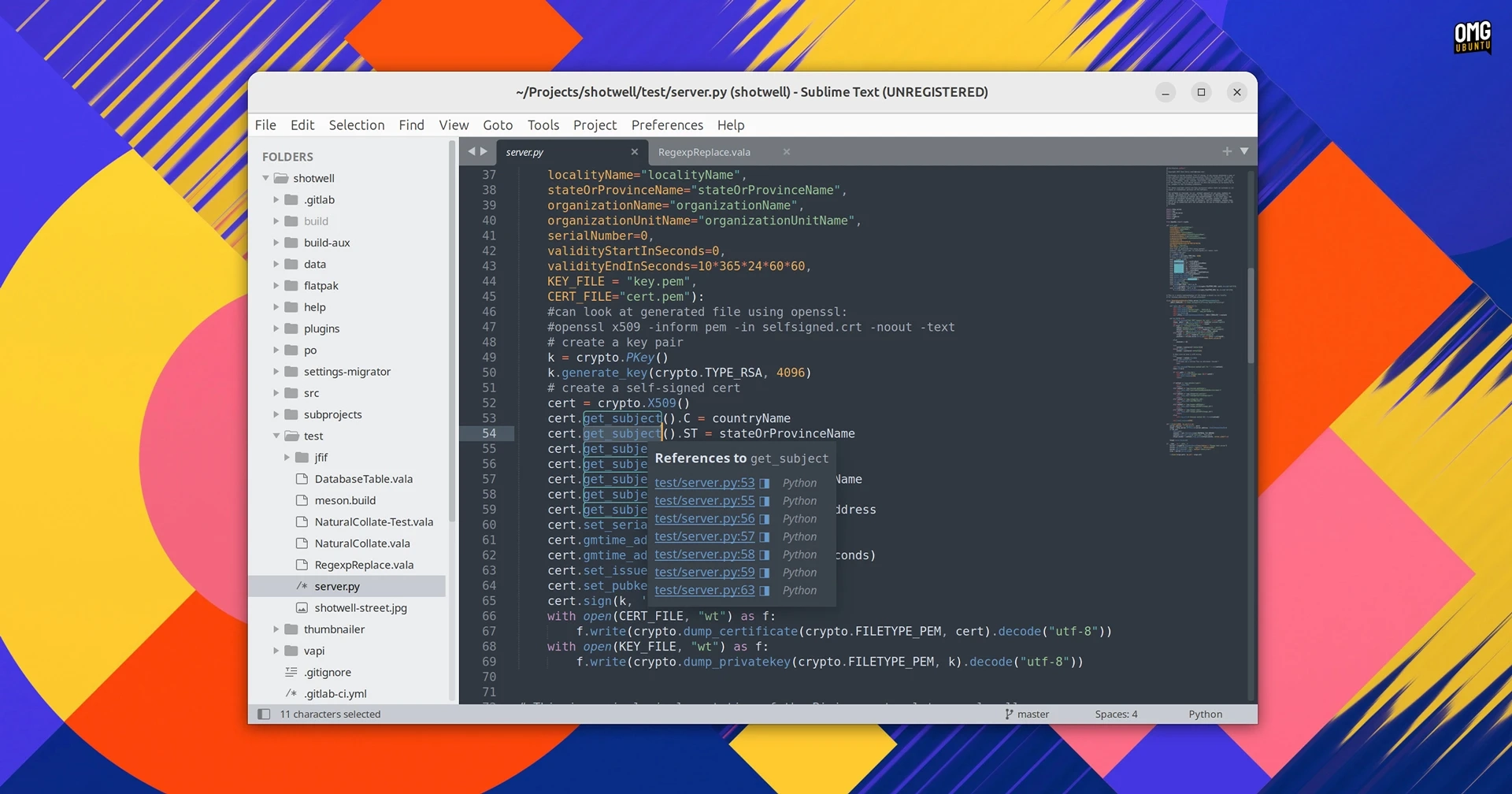
A new version of Sublime Text has been released, marking the first significant update to the text editor since May 2025. The latest version, v4213, now uses Python 3.14 as the default interpreter, replacing the previous version 3.8. While Python 3.3 is still bundled with the release for compatibility reasons, it is disabled by default and will be removed in future updates.
This update introduces a redesigned C# syntax highlighter and includes unspecified enhancements to syntax highlighting in general. Additionally, users can now customize file icons displayed in the sidebar with new support for file icon themes, defined through a JSON configuration that links file extensions to corresponding PNG files in a package.
Other noteworthy changes in v4213 include a new open_terminal command for launching external terminal emulators, improvements to handling child scope selectors, and enhanced undo/redo histories when external file changes occur. Performance enhancements have also been made, particularly in saving multiple files and executing git status commands. Other specific changes include:
- Support for git reftables
- Improved ruler positioning with proportional fonts
- A new configuration option,
io_workers
The update addresses various bugs across platforms, including issues with project closure potentially corrupting workspace files, selection clipboard handling, and modal dialog behavior on Linux systems. Among the Linux-specific fixes are improvements for KDE’s alternate characters input method and behavior adjustments for tab dragging under Wayland.
For those looking to install or update Sublime Text on Linux, it is accessible through various means:
- Official installers for Windows, macOS, and Linux can be downloaded directly from the Sublime Text website.
- Linux users can install Sublime Text through the Snap Store using the command:
sudo snap install sublime-text --classic.
Although Sublime Text operates as a proprietary software requiring a paid license for full use, it remains fully functional without restrictions in a free mode. Many developers favor it for its speed and familiarity, despite the growing popularity of AI integrations in other software.
For additional details, refer to the release announcement.