Throwback to the Past: Running a 30-Year-Old Version of GIMP with Flatpak (Pre-GTK!)
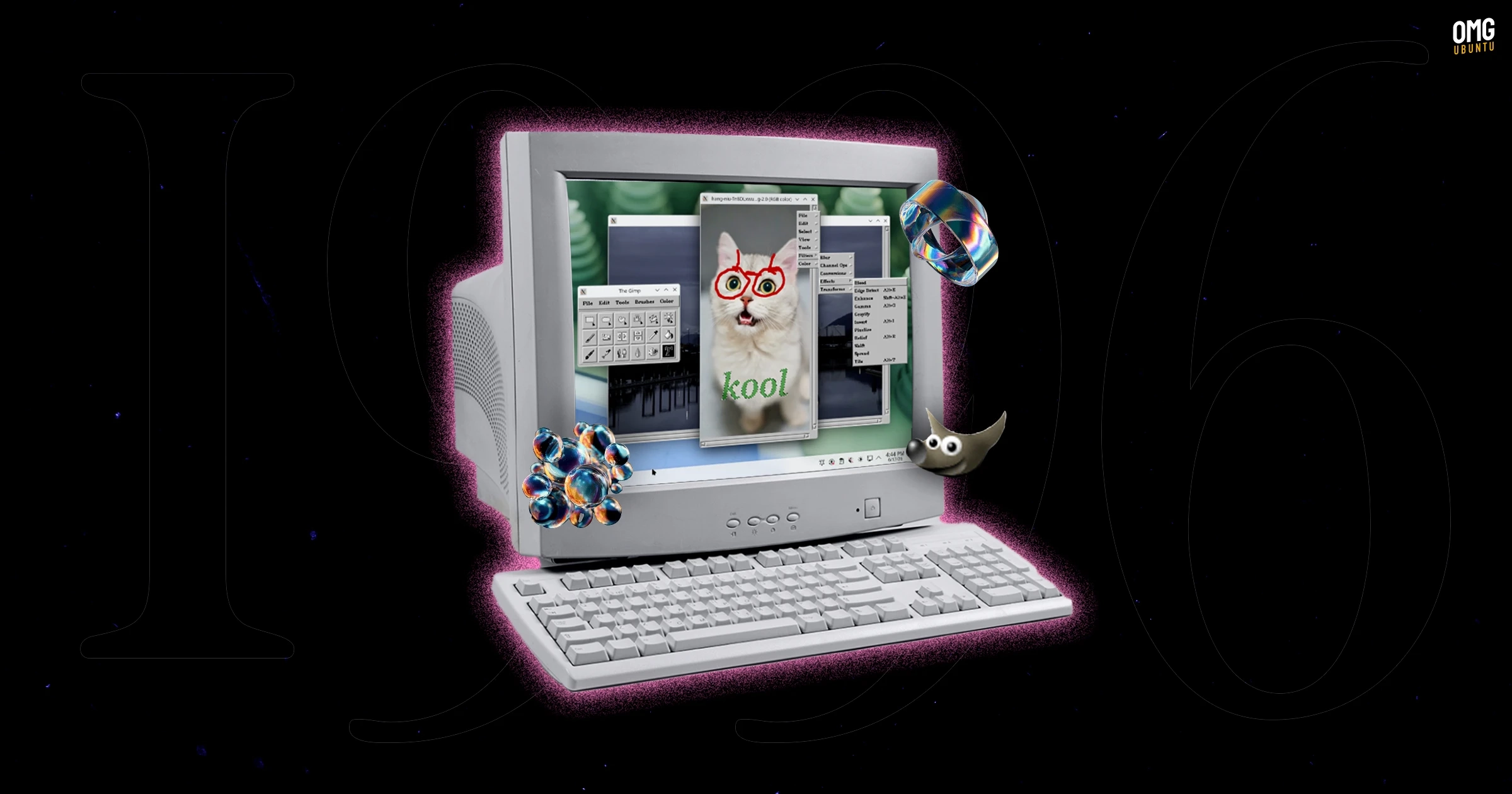
Developer balooii has created a Flatpak version of GIMP 0.54, a relic from 1996, for modern 64-bit Linux desktops running Wayland. Though this is not an official GIMP release, it allows users to experience one of the earliest versions of the app, which is notable for its historical significance.
GIMP 0.54 represents a pivotal moment in the evolution of the software, as it was built using a GUI toolkit called Motif. This closed-source framework posed challenges for its distribution. As a result, one of GIMP’s founders, Peter Mattis, created the GIMP Toolkit (GTK) to replace it. Surprisingly, GTK, which was initially just a custom project, later became the foundational toolkit for the GNOME desktop environment.
During this early development phase, GIMP 0.54 had the distinction of being used by designer Larry Ewing to create the Linux Tux mascot entirely with a mouse.
While utilizing GIMP 0.54 might bring nostalgia and the novelty of retro artistry, it is worth noting that as a beta release, it lacks several features that users expect today. There are no layers, limited effects, and the overall experience differs significantly from the GIMP most users know.
For those interested in trying out this throwback, the Flatpak version can be downloaded from GitLab. To install it on Ubuntu, users must have Flatpak installed and then run the following command in the terminal:
flatpak install --user gimp-0.54.1-10.flatpakThe Flatpak package might require legacy X11 font packages, which can be installed using:
sudo apt install xfonts-baseFor more details and to download the package, visit the GitLab page.