VMware Workstation Pro Expands Compatibility: Ubuntu 26.04 Now Supported!
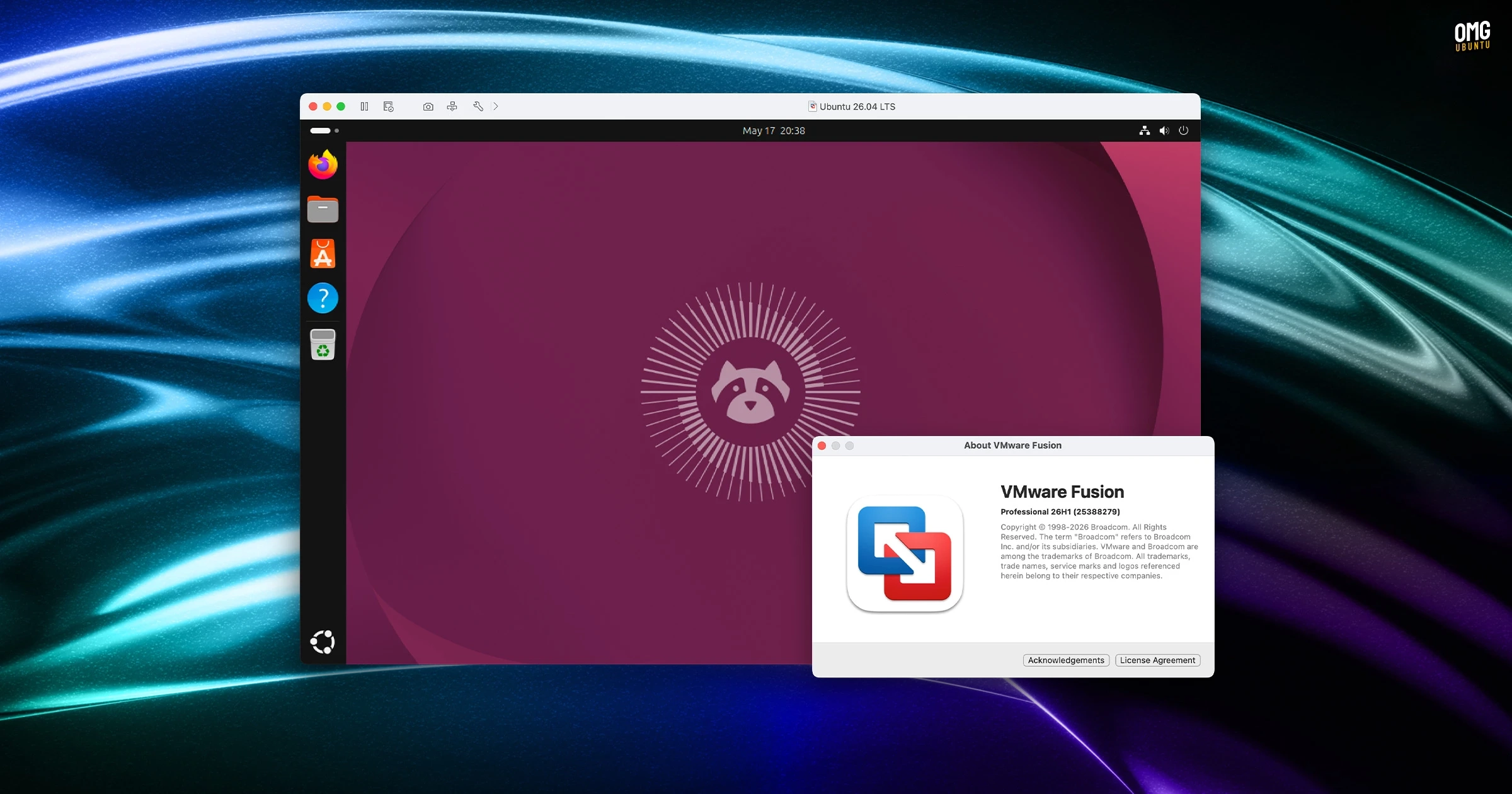
Broadcom has released a new version of its VMware Workstation Pro virtualization software that now supports Ubuntu 26.04 LTS, both as a host and guest operating system. The update, VMware Workstation Pro 26H1, also includes support for Fedora 43 and 44, SUSE Linux Enterprise 16, and openSUSE 16.0. Notably, FreeBSD 15.0 is supported solely as a guest operating system.
For users running VMware on Windows, this new version ensures that all components, including binaries and libraries, operate exclusively as 64-bit processes. Besides, timestamps for virtual machines can now be displayed, indicating when they were created or last powered on.
Additionally, the update allows all operating system versions—macOS, Windows, and Linux—to connect to remote ARM-based ESXi hosts, providing a more versatile environment for VM management. Other enhancements include improved VM notes organization within folder tabs, a new credential format that simplifies identifying encrypted VMs, and convenient help documentation links.
A security flaw affecting macOS, specifically the Fusion Pro version, has been resolved, preventing potential privilege escalation for non-administrative users. While the 26H1 release announcement did not highlight any specific changes for Linux, the essential improvements are included in the update.
How to Install VMware Workstation Pro on Ubuntu
VMware Workstation Pro is available for free but not open source. Users can run it for personal or commercial purposes without a license key, although signing up is necessary to download the installer. The Linux installation package comes as a .bundle file, which requires command line execution as root.
Users also need to install certain prerequisites, such as build-essential and linux-headers-generic-{your-kernel-version} using apt. This step is crucial for building kernel modules. Finally, after launching VMware Workstation Pro and completing the kernel module installation process, users can begin installing guest operating systems using ISO or IMG files.
For a smoother experience, it’s recommended to install the open-vm-tools-desktop package inside the VM running Ubuntu. This package facilitates features like clipboard sharing and file drag-and-drop between the host and guest systems.
For more information, you can refer to the VMware 26H1 release announcement and the release notes.